Updated November 2, 2026 · 35 min read · Reviewed by Satyam Kumar
Building any application with AI coding tools is easier than ever now . Platforms such as Lovable, Bolt, Cursor, Windsurf, Replit, and Claude Code allow founders and developers to create websites, SaaS products, dashboards, and web applications using natural-language single instructions and prompts.
However, building the application is only a single part of launching a functional website or SaaS. Once users start signup , subscribing, purchasing, or interacting with your application, all you need is a reliable email marketing tool or system to communicate with them.
That means sending account verification links, password reset instructions, welcome messages, payment confirmations, product notifications, onboarding sequences, and newsletters.
This is where all you need to select the right email marketing and transactional email platform becomes important for your product and business.
Not every email service is designed for AI-generated applications. Some platforms prioritize developer-friendly APIs and transactional email delivery, while others focus on customer lifecycle automation, subscriber management, and marketing campaigns.
Choosing the wrong service can create unnecessary delay in development and will increase operating costs, or limit your ability to automate customer communication as your application grows.
We will help you make an informed decision. We evaluated seven email platforms based on their developer experience, API capabilities, automation features, integration options, email infrastructure, and suitability for AI-built applications and public reviews.
In this guide, we will compare and cover Resend, Loops, Postmark, Mailgun, SendGrid, Customer.io, and MailerSend. We will also explain how to integrate email into applications built with AI coding tools, what features need to prioritize, and which platform makes sense for different types of projects and business.
Quick Comparison: 7 Best Email Marketing Tools for Vibe Coding
Platform
Best for
Main capabilities
Integration
Resend
AI-built applications and with developer experience
Resend: Best when you want a straightforward email API and developer-focused experience.
Loops: Best when your SaaS application requires transactional, onboarding, and lifecycle emails.
Postmark: Best for reliable application notifications as primary requirement.
Mailgun: Best when you need flexible email infrastructure and advanced sending controls.
SendGrid: Best when you need an application with email capabilities alongside broader email marketing functionality.
Customer.io: Best when your marketing strategy depends on customer behavior and event-driven automation.
MailerSend: Best when you want transactional email APIs, reusable templates, and AI-assisted integration.
What Is Email Marketing for Vibe Coding?
Vibe coding is an AI-assisted software development approach where users describe application functionality in natural language and use AI coding assistants to generate, modify, and troubleshoot application code.
Instead of manually implementing every component, builders use tools such as Lovable, Cursor, Bolt, Windsurf, and Replit to create application interfaces, connect databases, implement authentication, and integrate third-party services.
Email marketing for vibe coding means connecting an email service to an AI-built application so it can send automated messages, manage subscribers, and communicate with users throughout their customer journey.
For example, imagine building a subscription-based SaaS application using Lovable and Supabase.
Your application may need to:
Send an email verification link when someone register.
Deliver a welcome email after account creation.
Send password reset instructions when requested.
Notify customers when a payment succeeds.
Send Reminders to users when their free trial is about to expire.
Send monthly or quarterly newsletters announcing new features.
Re-engage with customers who have stopped using the application.
An email provider supplies the infrastructure and tools required to handle these communications.
The AI coding assistant helps normal non tech background coders or developers to implement the integration, but the email service provider still handles sending, templates, delivery events, and related infrastructure.
Why Do Vibe-Coded Applications Need Email Integration?
Email is an important part of the user experience for any applications that support registration, subscriptions, purchases, or customer accounts.
Without an email service integration, your application may function but technically it lacks essential communication capabilities with customers.
Consider a SaaS product that offers a seven-day free trial.
A user register , explores the dashboard, and eventually upgrades to a paid subscription. Throughout that journey, the application needs to communicate with the customer in proper sequence.
One user · nine emails
Transactional Lifecycle Marketing
Inbox
From: Your App · to customer@example.com
Verification email
Confirm account ownership
Transactional
User registration
Sends: Verification email
Purpose: Confirm account ownership
Inbox
From: Your App · to customer@example.com
Welcome email
Introduce to application features
Lifecycle
Successful registration
Sends: Welcome email
Purpose: Introduce to application features
Inbox
From: Your App · to customer@example.com
Reset email
Restore account access
Transactional
Password recovery
Sends: Reset email
Purpose: Restore account access
Inbox
From: Your App · to customer@example.com
Payment confirmation
Confirm successful payment
Transactional
Subscription purchase
Sends: Payment confirmation
Purpose: Confirm successful payment
Inbox
From: Your App · to customer@example.com
Billing notification
Help resolve payment issues
Transactional
Failed payment
Sends: Billing notification
Purpose: Help resolve payment issues
Inbox
From: Your App · to customer@example.com
Reminder email
Encourage subscription
Lifecycle
Trial expiration
Sends: Reminder email
Purpose: Encourage subscription
Inbox
From: Your App · to customer@example.com
Product update
Communicate improvements
Marketing
New feature release
Sends: Product update
Purpose: Communicate improvements
Inbox
From: Your App · to customer@example.com
Confirmation or welcome
Manage subscriber expectations
Transactional
Newsletter subscription
Sends: Confirmation or welcome
Purpose: Manage subscriber expectations
Inbox
From: Your App · to customer@example.com
Re-engagement email
Encourage product usage
Lifecycle
Inactive account
Sends: Re-engagement email
Purpose: Encourage product usage
1 / 9
These messages do not belongs to the same category.
Understanding the difference between transactional, lifecycle, and marketing emails is essential before selecting a provider.
Transactional Email vs. Marketing Email vs. Lifecycle Email
1. Transactional Email
Transactional emails are triggered by individual user actions on specific events.
Examples include:
Account verification.
Password reset.
Login security notifications.
Payment receipts.
Order confirmations.
Booking confirmations.
Account invitations.
Subscription notifications.
These emails are generally sent through an application backend using an email API or SMTP integration.
For example, when a user requests a password reset, your backend generates a secure, time-limited token and asks the email provider to deliver the reset link.
Suitable platforms: Resend, Postmark, Mailgun, SendGrid, and MailerSend.
2. Lifecycle Email
Lifecycle emails guide customers and help through different stages of their relationship with your application.
Examples include:
Welcome sequences.
Product onboarding.
Feature education.
Trial expiration reminders.
Subscription upgrade campaigns.
Inactive-user re-engagement.
Customer retention workflows.
These messages are often triggered by events or customer attributes.
For example, a SaaS application can send multiple onboarding reminders if a user registers but does not complete the initial setup within 24 hours.
Suitable platforms: Loops and Customer.io, with other platforms offering different levels of automation.
3. Marketing Email
Marketing emails are promotional or informational messages distributed to eligible subscribers exclusive or centralized.
Examples include:
Weekly newsletters.
Product announcements.
Special offers.
Educational content.
New product launches.
Company updates.
These campaigns usually require subscriber management, segmentation, scheduling, unsubscribe functionality, and performance reporting.
Suitable platforms: Customer.io, Loops, SendGrid, and Resend for broadcast use cases, depending on requirements.
Do You Need a Separate Email Service for Each Category?
Not necessary in your initial phase or limited to your 1000 or 2000 users .
Some providers offers combine transactional sending and marketing capabilities, while others specialize in one area.
For example:
Resend supports transactional email and broadcasts.
Loops combines transactional, marketing, and lifecycle email.
Postmark separates transactional and broadcast sending into different message streams.
Customer.io combines customer data, event-based workflows, and multiple messaging channels.
If you are launching a small SaaS application, one provider may be sufficient. A more complex product may benefit from separating critical transactional messages from promotional marketing campaigns.
7 Best Email Marketing Tools for Vibe Coding in 2026
1. Resend – Best for AI-Built Applications and Developer Experience
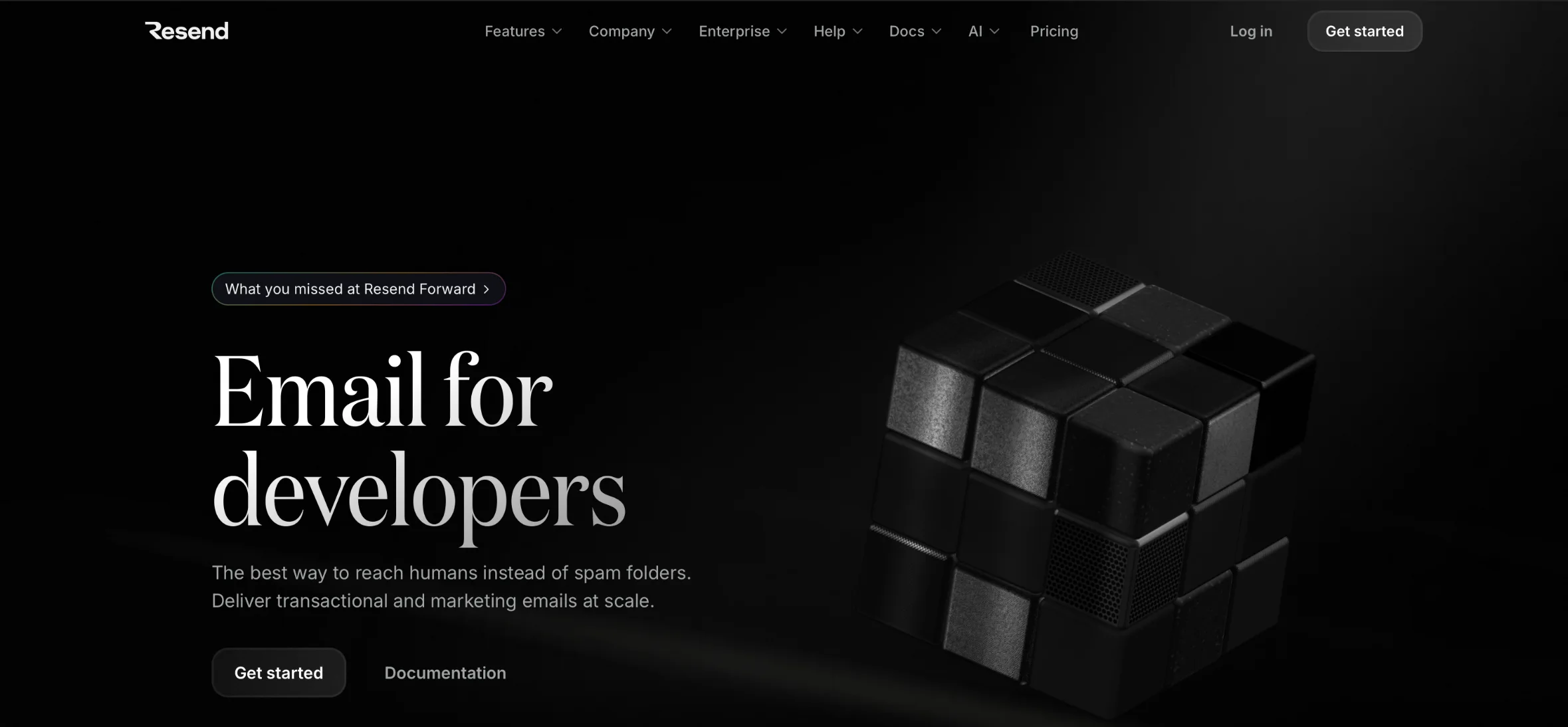
Resend is a developer-focused email marketing platform designed to make application email integration straightforward and easy . This is built around developer-friendly email infrastructure. Its main offering is a transactional email API, but it also supports broadcasts, contacts, templates, webhooks, and inbound email functionality.
This makes it particularly relevant for founders building applications with AI coding assistants such as Cursor, Claude Code, Lovable, and other modern development environments.
A developer can connect Resend to an application backend and trigger emails whenever specific events occur.
For example, a SaaS application can use Resend to send account verification messages, password reset links, payment notifications, and product announcements.
Key Features
Transactional email API.
Native SDKs.
React Email support.
Reusable email templates.
Broadcast email functionality.
Webhooks and email events.
SMTP support.
Email activity and analytics.
AI agent integrations.
Why Resend Works for Vibe Coding
One of Resend's strongest advantages is its developer-oriented platform .
Its official agent tooling supports workflows involving Cursor, Claude Code, Codex, GitHub Copilot, and other compatible AI development environments.
Developers can use its documentation, SDKs, and agent integrations to build email functionality and workflow without manually configuring an entire email infrastructure.
For example, if you are building a Next.js application, you can install the Resend SDK and create a server-side function to send an email after a successful registration.
Resend also provides a straightforward approach to managing email templates using React Email, allowing developers to build reusable email components using React.
Example: Sending an Email Using Resend
For a Next.js application, a basic server-side integration can look like this:
npm install resend
Create a server-side function:
import { Resend } from "resend";

const resend = new Resend(
  process.env.RESEND_API_KEY
);

export async function sendWelcomeEmail(user) {
  const { data, error } = await resend.emails.send({
    from: "Your App <hello@yourdomain.com>",
    to: [user.email],
    subject: "Welcome to Your App",
    html: `
      <h1>Welcome, ${user.name}!</h1>
      <p>Your account is ready.</p>
      <p>Start exploring your dashboard.</p>
    `
  });

  if (error) {
    throw new Error(error.message);
  }

  return data;
}
This is a simplified example. In production, validate user data, escape dynamic HTML, handle retries safely, and ensure the function runs only on the server.
Pricing
Resend's published pricing currently includes:
Plan
Monthly price
Included emails
Free
$0
3,000
Pro
$20
50,000
Scale
$90
100,000
Enterprise
Custom
Custom
The free plan has a daily sending limit of 100 emails. Paid plans have additional capabilities and higher sending allowances.
2. Loops – Best for SaaS Lifecycle and Product Emails
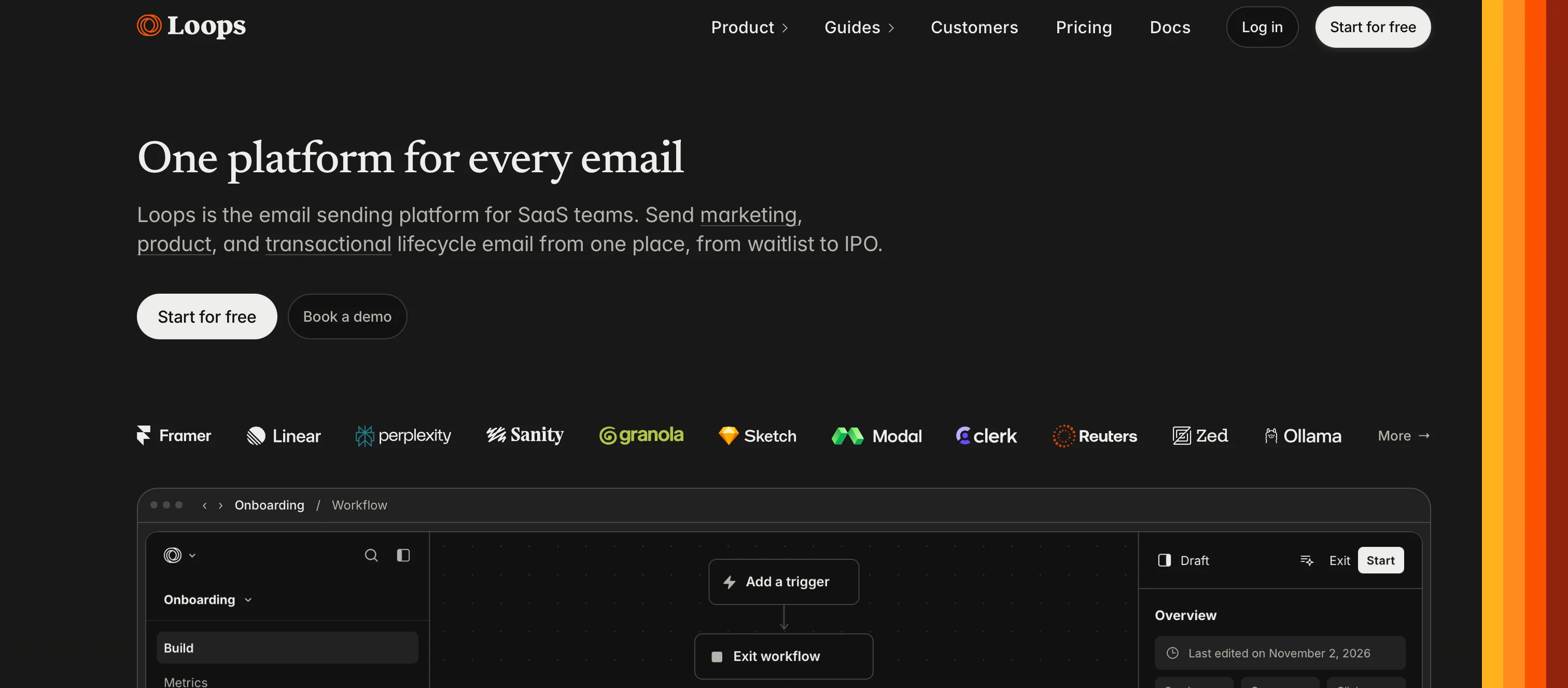
Loops is an email platform designed specifically for software companies. If you are building a SaaS application and expect to send more than account verification and password reset emails, Loops is worth considering.
Its focus is on combining transactional emails, marketing campaigns, and lifecycle communication all in one platform.
This is useful for SaaS founders who want to manage more than just password reset emails and account notifications.
Loops also provides a transactional email API, typed SDKs, webhooks, custom contact properties, and a visual email editor. This means developers can handle application integration while marketing teams can manage email content through the platform.
Another useful feature is its MCP and AI coding-agent support. Which allows developer tooling includes installation workflows for compatible coding environments, making it easier to work with the API and email content through AI assistants.
For example, a SaaS application can send a welcome email when someone registers, trigger an onboarding sequence when a user starts using the product, and send a re-engagement campaign when an account becomes inactive.
Loops connects application events and contact properties to email workflows.
Key Features
Transactional email API.
Marketing campaigns.
Automated lifecycle workflows.
Customer segmentation.
Contact management.
Visual email editor.
Custom event tracking.
API and SDK integrations.
Webhooks.
AI-assisted development integrations.
Why Loops Works for Vibe Coding
Loops are particularly relevant for applications where email is closely connected to user behavior.
Instead of building every email sequence directly into your application, you can send customer information and events to Loops and manage the corresponding communication workflows.
For example, consider a project management SaaS application.
When a user registers, your backend can create or update their contact record in Loops.
When they create their first project, your application can send an event indicating that onboarding has progressed.
Loops can then use the event and contact properties to determine which email should be sent next.
The platform also offers API tooling and coding-agent workflows, allowing developers to work with its email functionality through supported AI development environments.
The subscription status should reflect the user's actual consent. Account registration alone should not automatically enroll someone in promotional newsletters.
Pricing
Loops offers a free tier that currently includes:
Up to 1,000 subscribed contacts.
Up to 4,000 combined marketing and transactional sends in a rolling 30-day window.
Its paid pricing depends on contact volume and the features required.
Its primary positioning is SaaS and software-company email, not every type of enterprise marketing operation.
Contact and event data must be synchronized correctly.
Complex workflows require careful planning and testing.
Businesses should understand the difference between transactional and marketing subscription rules.
Best for: SaaS startups, subscription applications, product-led businesses, and companies that want transactional email and lifecycle automation in one platform.
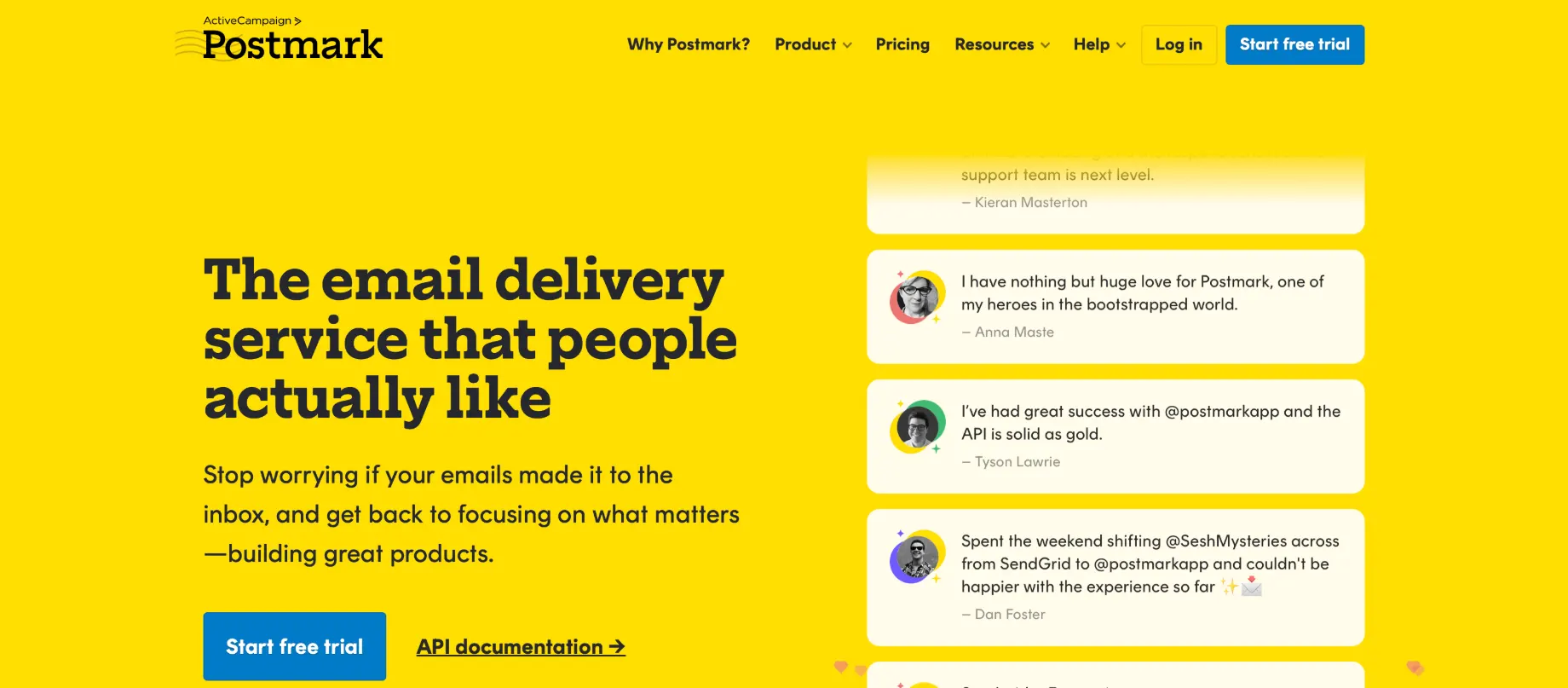
Postmark is an email delivery platform focused on application-generated email.If your application depends on important emails reaching customers at the right time, Postmark is a service worth evaluating.
postmark is particularly very useful for messages that users expect to receive immediately after performing an action.
Examples include password reset links, account invitations, payment receipts, security alerts, and order confirmations.
For SaaS applications, these messages are operationally important. A customer who cannot receive a password reset email may be unable to access the product.
Postmark provides APIs, SMTP sending, templates, message tracking, and webhooks.
Key Features
Transactional email API.
SMTP integration.
Reusable email templates.
Message streams.
Delivery tracking.
Bounce monitoring.
Webhooks.
Inbound email processing.
Developer libraries.
AI coding-agent tools.
Why Postmark Works for Vibe Coding
Postmark is a good choice when application email reliability is more important than advanced marketing automation.
One of its notable capabilities is Message Streams.
Message Streams allow businesses to separate transactional emails from broadcast messages.
For example:
Message type
Example
Transactional
Password reset
Transactional
Payment receipt
Transactional
Account verification
Broadcast
Product announcement
Broadcast
Customer newsletter
Separating these message types helps businesses to prevent promotional sending practices from directly sharing the same sending stream as critical application notifications.
Postmark also provides AI-oriented developer resources, including agent skills, documentation for coding assistants, and an MCP server.
This is useful particularly when developers want an AI assistant to help implement a transactional email integration.
Example: Sending an Email Using Postmark
Install the Node.js package:
npm install postmark
Create a server-side integration:
import { ServerClient } from "postmark";

const client = new ServerClient(
  process.env.POSTMARK_SERVER_TOKEN
);

export async function sendWelcomeEmail(user) {
  return await client.sendEmailWithTemplate({
    From: "hello@yourdomain.com",
    To: user.email,
    TemplateAlias: "welcome",
    TemplateModel: {
      name: user.name
    },
    MessageStream: "outbound"
  });
}
This approach keeps the email design in Postmark while the application supplies the required user information.
Pricing
Postmark's published pricing currently includes:
Plan
Monthly price
Email allowance
Free
$0
100 emails
Basic
$15
10,000 emails
Pro
$16.50
10,000 emails
Platform
$18
10,000 emails
Additional sending is charged according to the selected plan. Verify current allowances and features before purchasing.
Its primary strength is transactional and application email rather than a full marketing automation suite.
Businesses with advanced customer segmentation may need another platform.
The free plan is primarily useful for testing and low-volume projects.
Some marketing features are less extensive than dedicated marketing automation products.
Best for: SaaS applications, authentication emails, payment notifications, customer portals, and applications where transactional email is a critical feature.
4. Mailgun – Best for Advanced Email Infrastructure
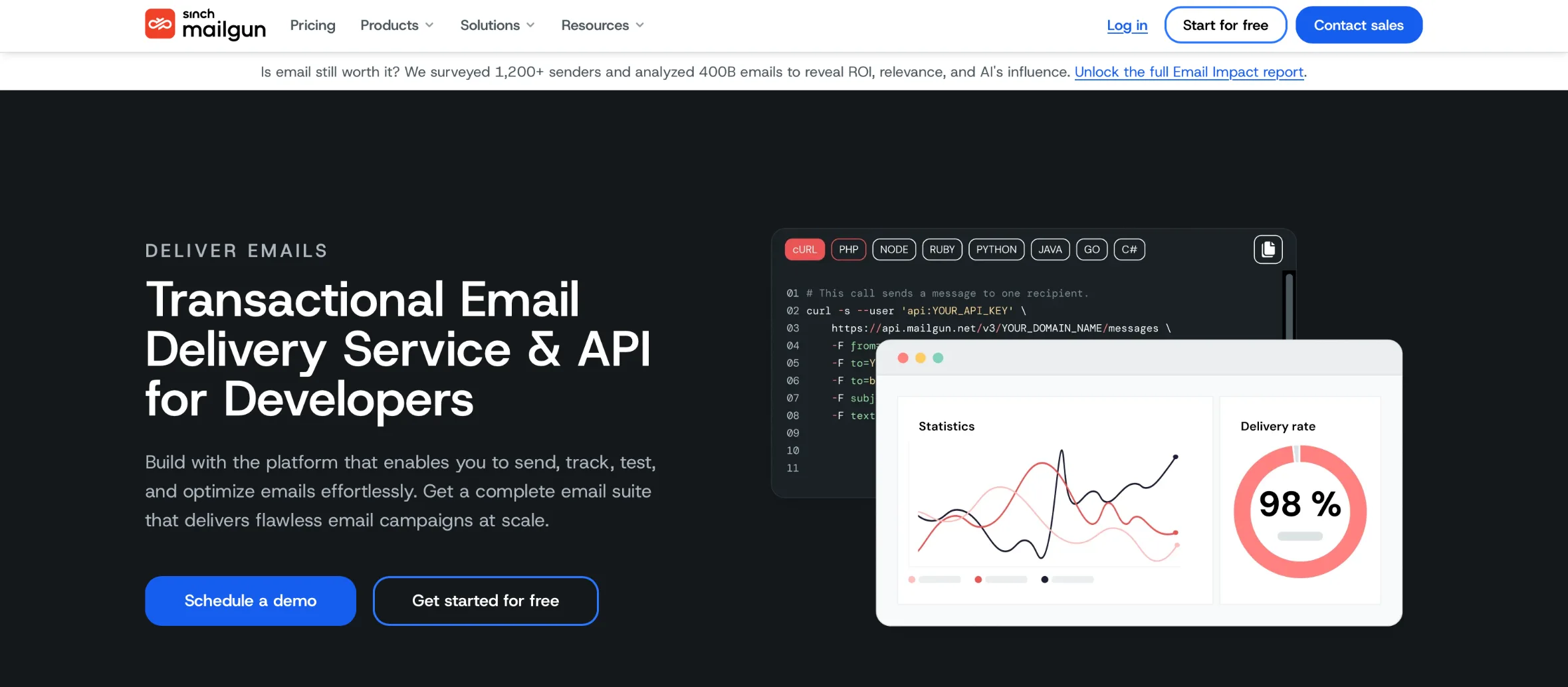
Mailgun is an email delivery platform designed for applications that require programmatic sending and flexible email infrastructure. Unlike a traditional newsletter platform, its primary focus is providing the infrastructure required to send and process emails from applications.
It is suitable for businesses that want more control over how application-generated emails are sent, monitored, and managed. Mainly designed for developers and businesses that need API-based email delivery and SMTP functionality.
For example, a marketplace might need to send booking confirmations, seller notifications, customer receipts, account updates, and automated alerts.
Mailgun provides APIs and SMTP-based sending options, alongside tools for domain verification, message tracking, email validation, and webhook processing.
Key Features
Transactional email API.
SMTP relay.
Email validation.
Domain authentication.
Email templates.
Inbound email routing.
Webhooks.
Bounce management.
Message analytics.
Developer documentation.
Why Mailgun Works for Vibe Coding
Mailgun is very useful when your application needs a flexible email infrastructure rather than only a newsletter editor.
their API can be integrated into backend services easily generated by AI coding assistants.
For example, a customer support application could use Mailgun to send notifications when a support ticket is created, updated, or assigned to another team member.
Developers can also use webhooks to synchronize delivery events with their application's database.
Example: Sending an Email Using Mailgun
A simplified Node.js integration can look like this:
const formData = new FormData();

formData.append(
  "from",
  "Support <support@yourdomain.com>"
);
formData.append(
  "to",
  "customer@example.com"
);
formData.append(
  "subject",
  "Your support request was received"
);
formData.append(
  "text",
  "Thank you. Our team has received your request."
);

const response = await fetch(
  `https://api.mailgun.net/v3/${process.env.MAILGUN_DOMAIN}/messages`,
  {
    method: "POST",
    headers: {
      Authorization:
        "Basic " +
        Buffer.from(
          `api:${process.env.MAILGUN_API_KEY}`
        ).toString("base64")
    },
    body: formData
  }
);
This is an illustrative server-side example. Use the official SDK or API documentation for production implementation, and never expose the private API key to the browser.
Pricing
Mailgun offers different plans based on email volume and infrastructure requirements.
Its pricing structure considers factors such as:
Monthly email sending.
Email validation.
Message retention.
Webhook availability.
Dedicated IP options.
Advanced deliverability tools.
Some capabilities are available as add-ons or are restricted to higher-tier plans.
SendGrid, now part of Twilio, is an established email platform offering application email infrastructure and marketing capabilities.
It supports businesses that need to send transactional messages from applications while also managing broader email marketing activities.
For example, an ecommerce application can use SendGrid for order confirmations, shipping notifications, password resets, and other automated communication.
A separate marketing workflow can manage product announcements, promotional campaigns, and customer newsletters.
Key Features
Transactional email API.
SMTP integration.
Dynamic email templates.
Contact management.
Marketing campaign capabilities.
Event webhooks.
Email activity reporting.
API-based personalization.
Developer SDKs.
Why SendGrid Works for Vibe Coding
SendGrid is suitable for applications that require a well-established email API and the ability to integrate with existing software infrastructure.
their Mail Send API accepts JSON requests containing recipient details, message content, attachments, personalizations, and dynamic template data.
This gives developers required control over how emails are generated and sent from application based on events.
For example, a subscription platform can generate a personalized billing notification using customer information stored in its database.
SendGrid also provides official SDKs for Node.js, Python, PHP, Java, Go, Ruby, and other development environments.
Example: Sending an Email Using SendGrid
Install the Node.js package:
npm install @sendgrid/mail
Create a server-side function:
import sgMail from "@sendgrid/mail";

sgMail.setApiKey(
  process.env.SENDGRID_API_KEY
);

export async function sendWelcomeEmail(user) {
  const message = {
    to: user.email,
    from: "hello@yourdomain.com",
    subject: "Welcome to our platform",
    html: `
      <h1>Welcome, ${user.name}!</h1>
      <p>Your account has been created.</p>
    `
  };

  return await sgMail.send(message);
}
For production use, prefer reusable dynamic templates, validate and escape user-provided content, and implement appropriate error handling.
Pricing
SendGrid offers different pricing plans for its Email API and Marketing Campaigns products.
Costs depend on factors such as:
Monthly email volume.
Marketing contact requirements.
Dedicated IP requirements.
Advanced features.
Support and account requirements.
Check the official pricing page because Email API and Marketing Campaigns subscriptions are not necessarily interchangeable.
6. Customer.io – Best for Behavioral Marketing Automation
Customer.io is a customer engagement platform designed to send personalized messages based on customer attributes, actions, and application events.
Unlike a simple email API, Customer.io focuses on building automated customer journeys across multiple communication channels.
Customer.io is very relevant for SaaS companies with onboarding funnels, subscription workflows, product engagement campaigns, and customer retention strategies.
For example, a SaaS application can track when a user registers, creates their first project, invites a team member, or upgrades to a paid plan.
Customer.io can use these events to trigger relevant communications.
Key Features
Event-driven email automation.
Customer segmentation.
Visual workflow builder.
Transactional email.
Marketing campaigns.
Push notifications.
In-app messaging.
SMS and additional channels.
REST API and SDKs.
MCP integration.
Conversion tracking.
Why Customer.io Works for Vibe Coding
Customer.io is particularly useful when your application collects meaningful behavioral data and tracks .
Rather than treating every subscriber equally, you can create dedicated communication workflows based on what people actually do inside your product .
Consider a project management SaaS application.
You could create different workflows for:
Users who registered but never created a project.
Users who created a project but did not invite teammates.
Users who are approaching their trial expiration.
Users who have recently upgraded.
Customers who have stopped using the application.
Your backend sends customer attributes and event information to Customer.io.
Then the platform analyzes and uses this information to determine which workflow or message should be triggered.
Customer.io also provides documentation designed for AI assistants, including support resources for coding environments such as Cursor and Claude Code.
This illustrates the concept of sending an application event. The exact endpoint, authentication method, and payload should follow the current Customer.io API documentation for your workspace and integration.
Pricing
Customer.io currently lists the following entry-level pricing:
Plan
Starting price
Included profiles
Essentials
$100/month
5,000
Premium
$1,000/month
Custom
Enterprise
Custom
Custom
The published Essentials plan also includes up to one million monthly emails, a visual workflow builder, and selected integrations.
Early-stage startup program by customer,io may provide eligible companies with 12 months of free access, subject to its application and qualification requirements.
7. MailerSend – Best for Transactional Email APIs and Templates
MailerSend is one of the best transactional email service providers designed for developers and businesses who want to integrate email delivery into their applications.
It provides an email API, SMTP support, reusable templates, activity tracking, and webhook functionality.
For a vibe-coded application, this will help you in connecting your backend to MailerSend and trigger messages whenever a user performs a specific action.
For example, a booking application can automatically send reservation confirmations, cancellation messages, and appointment reminders.
Key Features
Transactional email API.
SMTP sending.
Dynamic email templates.
Webhooks.
Email activity tracking.
Bounce and complaint monitoring.
Email verification.
Inbound routing.
Multiple SDKs.
MCP server for AI coding environments.
Why MailerSend Works for Vibe Coding
MailerSend offers a multiple combination of developer tools and email infrastructure that can fit well into AI-generated applications.
Its hosted MCP integration supports compatible AI environments such as Claude, VS Code, Cursor, ChatGPT, and Gemini CLI.
This supports AI agents to interact with MailerSend for tasks such as sending emails, managing domains, and creating webhooks.
Another useful feature is template functionality.
Instead of generating every email's HTML directly inside your application, you can create reusable templates and populate them with dynamic variables.
For example, an order confirmation template can contain:
Customer name.
Order number.
Product details.
Payment amount.
Delivery information.
Your application supplies the required information when triggering the email.
Example: Sending an Email Using MailerSend
Install the SDK:
npm install mailersend
A simplified implementation:
import { MailerSend, EmailParams, Sender, Recipient }
from "mailersend";

const mailerSend = new MailerSend({
  apiKey: process.env.MAILERSEND_API_KEY
});

const sentFrom = new Sender(
  "hello@yourdomain.com",
  "Your Application"
);

const recipients = [
  new Recipient("customer@example.com", "Customer")
];

const emailParams = new EmailParams()
  .setFrom(sentFrom)
  .setTo(recipients)
  .setSubject("Welcome to our application")
  .setHtml(`
    <h1>Welcome!</h1>
    <p>Your account is ready.</p>
  `);

await mailerSend.email.send(emailParams);
This example demonstrates the basic integration. For production, consider using a reusable template, validating recipient data, and implementing error handling and logging.
Pricing
MailerSend offers plans based on sending volume and additional capabilities.
Its published plans include:
Free.
Hobby.
Starter.
Professional.
Enterprise.
The free plan currently includes 500 emails. Paid plans add higher sending allowances, additional domains, webhook capacity, and other developer features.
Resend vs. Loops vs. Postmark vs. Mailgun: Which Should You Choose?
These platforms solve related but different problems.
A developer building a small application may only need an email API. A growing SaaS company needs lifecycle automation, while an application with critical transactional notifications prioritize delivery monitoring and message separation.
Here is a practical comparison.
Requirement
Resend
Loops
Postmark
Mailgun
Developer experience
Excellent
Good
Good
Good
Transactional email
Yes
Yes
Core focus
Yes
Marketing campaigns
Broadcasts
Yes
Broadcast streams
Not its primary focus
Lifecycle automation
More limited
Yes
Limited
Requires additional logic
Reusable templates
Yes
Yes
Yes
Yes
Webhooks
Yes
Yes
Yes
Yes
SMTP
Yes
Yes
Yes
Yes
AI development tools
Strong
Supported
Strong
API/documentation-based
Choose Resend If:
You want a developer-friendly API that can be connected quickly to any AI-built application.
Choose Loops If:
You want transactional email, newsletters, and automated SaaS customer journeys all in one single system.
Choose Postmark If:
Your application relies heavily on important transactional messages such as verification, password resets, and receipts.
Choose Mailgun If:
You need more control over email infrastructure, API-based sending, and delivery monitoring.
How to Integrate Email Marketing Into a Vibe-Coded Application
Select any relevant email provider based on your requirement . Then the next step is connecting with your application securely.
The integration process is broadly similar across Lovable, Bolt, Cursor, Windsurf, Replit, and other AI development environments.
Step 1: Identify Your Email Requirements
Before selecting an email provider, list the messages your application needs to send.
For a typical SaaS product, these might include:
Account verification.
Password reset.
Welcome email.
Payment confirmation.
Trial expiration reminder.
Subscription notification.
Newsletter.
Product announcement.
Separate transactional messages from marketing communications.
This will help you in selecting a perfect provider without paying for features you do not need.
Step 2: Select Your Email Provider
Choose one of the seven platforms based on your application architecture.
For example:
Resend for developer-focused transactional email.
Loops for SaaS lifecycle email.
Postmark for application notifications.
Mailgun for advanced email infrastructure.
SendGrid for application email and marketing capabilities.
Customer.io for behavioral automation.
MailerSend for transactional APIs and templates.
Step 3: Verify Your Sending Domain
Most professional email providers require domain verification before sending production emails.
You will generally need to configure DNS records with your domain provider .
DNS record
Purpose
SPF
Identifies authorized sending infrastructure
DKIM
Cryptographically authenticates outgoing email
DMARC
Defines how receivers should handle authentication failures and provides reporting
Provider-specific records
Supports additional sending and tracking configuration
Follow the instructions supplied by your selected provider.
Do not copy DNS records from another provider without checking the exact configuration.
Step 4: Generate an API Key
Create an API key from your service provider's dashboard.
The API key allows your backend application to authenticate requests when sending emails.
Never place private API credentials in frontend code or on anyAI Coding Tools like claude code , replit and others .
For example, avoid exposing keys through:
React components.
Public JavaScript files.
Browser-accessible configuration.
NEXT_PUBLIC_ environment variables.
VITE_ environment variables.
Instead, use server-side environment variables or a deployment platform's secret manager.
Step 5: Connect the Email API to Your Backend
Your AI coding assistant can help generate the integration.
A typical architecture looks like this:
User registers…
01User registersBrowser
02Frontend registration formFrontend
03Backend API / server functionBackend
04Validate request and create accountBackend + database
05Email provider APIResend, Postmark, Mailgun…
06Email delivered to recipientInbox
07Webhook receives delivery eventsBackend
08Application updates email recordsDatabase
The email provider should be called from a secure backend function, not directly from the browser using a private API key.
Step 6: Create Reusable Email Templates
Create separate templates for different application events.
Examples:
welcome_email
verify_email
reset_password
payment_confirmation
subscription_expiring
product_update
Use dynamic variables to personalize messages.
Variables
Subject: Welcome to {{app_name}}

Hello {{first_name}},

Thanks for creating your account.
Your account is ready to use.
Get started here:
{{dashboard_url}}
To: customer@example.com
Welcome to Your Application
Hello Alex,
Thanks for creating your account. Your account is ready to use.
Get started here
If you need assistance, contact our support team.
Use secure, expiring verification tokens and never include passwords or other sensitive authentication credentials in email content.
Step 7: Configure Webhooks
A successful API response does not necessarily mean the message reached the recipient's inbox.
Webhooks allow your application to receive email-related events.
Depending on the provider, these may include:
Delivered.
Bounced.
Opened.
Clicked.
Complained.
Unsubscribed.
Your backend can process these events and update the relevant records in your database.
Always verify webhook signatures or the provider's documented authentication mechanism before trusting incoming events.
Best AI Coding Tools for Email Integration
The email provider and AI coding platform are separate components. You can build your application with one tool and connect it to any compatible email provider.
Lovable
Supabase Edge Functions
⚠ Store API keys as server-side secrets
Bolt
Backend routes or functions
⚠ Protect private API credentials
Cursor
Existing backend and SDKs
⚠ Review generated code
Windsurf
Server-side functions and APIs
⚠ Validate dependencies and security
Replit
Server functions and Secrets
⚠ Check deployment configuration
Claude Code
Existing application backend
⚠ Provide official API documentation
v0
Next.js route handlers and server actions
⚠ Keep private keys server-side
Example stack
Lovable
Generates the application interface and code
Supabase
Handles authentication and database functionality
Vercel
Hosts the deployed application
Resend
Handles email delivery
For example, you can build an application with Lovable, use Supabase for authentication and database storage, deploy through Vercel, and send emails through Resend.
Each component has a different responsibility:
Lovable generates the application interface and code.
Supabase handles authentication and database functionality.
Vercel hosts the deployed application.
Resend handles email delivery.
This modular architecture makes it easier to replace individual services without rebuilding the entire product.
Practical AI Prompts for Email Integration
AI coding assistants can generate required integration code, but the quality of the output depends on the instructions you provided.
Instead of asking an AI assistant to simply "add email functionality," explain the provider, backend architecture, security requirements, and expected behavior.
Paste into Cursor, Lovable, Claude Code or Bolt
Integrate Resend into my existing Next.js application.

Requirements:
1. Use the official Resend SDK.
2. Implement email sending through a server-side API route.
3. Store RESEND_API_KEY in a private environment variable.
4. Never expose API credentials in frontend code.
5. Send a welcome email after successful registration.
6. Create a reusable email template.
7. Support dynamic user name and verification URL.
8. Handle API errors and log message IDs.
9. Prevent duplicate welcome emails.
10. Add a test mode for development.

Inspect the existing project structure before making changes.
Preserve existing authentication functionality.
Do not modify unrelated components.
Integrate Loops into my existing SaaS application.

Requirements:
1. Connect using the official Loops API.
2. Synchronize registered users with Loops.
3. Store the API key securely on the backend.
4. Track product events such as registration, onboarding completion and subscription upgrades.
5. Create a welcome email workflow.
6. Create an onboarding sequence.
7. Support contact properties and segmentation.
8. Keep marketing subscription consent separate from account registration.
9. Handle failed API requests.
10. Add logging and synchronization monitoring.

Review the existing database structure before implementation.
Integrate Postmark into my application.

Requirements:
1. Use the official Postmark SDK.
2. Store POSTMARK_SERVER_TOKEN securely.
3. Create reusable templates for:
- Account verification
- Password reset
- Welcome email
- Payment confirmation
4. Use dynamic template variables.
5. Trigger messages from backend application events.
6. Record returned message IDs.
7. Implement error handling and safe retries.
8. Configure delivery and bounce webhooks.
9. Separate transactional and broadcast email streams.
10. Never expose API credentials in frontend code.

Test each email workflow before production deployment.
Audit the email integration in my existing application.

Check the following:
1. Private API credentials are not exposed.
2. Sending domain authentication is documented.
3. SPF, DKIM and DMARC are configured correctly.
4. Transactional emails trigger at the correct events.
5. Duplicate messages are prevented.
6. Failed requests are handled safely.
7. Webhook authentication is verified.
8. Unsubscribed contacts are excluded from marketing campaigns.
9. Email templates work on mobile devices.
10. Logs do not expose passwords, API keys or sensitive tokens.

Identify problems, explain their impact and implement safe fixes without
modifying unrelated application logic.
These prompts are starting points, not a complete guarantee of production-ready code. Review the generated implementation and test the deployed application before enabling real sending.
Email Deliverability: What Vibe Coders Should Know
Sending an email through an API does not guarantee that it will reach the recipient's inbox.
Email delivery involves several systems, including sending infrastructure, receiving servers, domain authentication, sender reputation, spam filtering, and recipient behavior.
For businesses sending substantial volumes, Google and Yahoo have published additional requirements concerning authentication, spam complaint rates, and unsubscribe handling and many more.
Before launching, review the following:
SPF authentication: Ensure the appropriate sending infrastructure is authorized.
DKIM authentication: Configure cryptographic signatures for outgoing messages.
DMARC: Publish a policy and monitor authentication alignment.
Bounce management: Identify invalid addresses and prevent repeated sending.
Spam complaint monitoring: Monitor complaints and suppress problematic recipients.
Unsubscribe management: Provide functioning unsubscribe mechanisms for marketing messages.
Sending reputation: Build a consistent sending history and avoid unexpected volume spikes.
No email provider can guarantee inbox placement. Good infrastructure must be combined with proper authentication, list quality, relevant content, and responsible sending practices.
Launch readiness0 of 7
How Much Does Email Marketing Software Cost for Vibe Coding?
Email platform pricing varies depending upon the sending volume, subscriber count, API usage, automation requirements, and additional infrastructure.
Some providers charge according to the number of emails sent. Others calculate costs based on contacts, profiles, or marketing features.
Here is a complete comparison of published entry-level pricing information for selected providers.
Platform
Entry-level pricing information
Main pricing consideration
Resend
Free; Pro $20/month
Monthly sending volume
Loops
Free tier available
Subscribed contacts and sends
Postmark
Free 100 emails; Basic $15/month
Monthly email volume
Mailgun
Free and paid plans
Sending volume and infrastructure features
SendGrid
Product-specific plans
API volume and marketing requirements
Customer.io
Essentials from $100/month
Customer profiles and email usage
MailerSend
Free 500 emails; paid plans
Monthly email volume and features
Pricing is a snapshot of publicly published plans, not a guaranteed quote. Verify current allowances, regional pricing, overages, and billing terms on each provider's official website before purchasing.
Example: Estimating Email Costs for a SaaS Application
Imagine you are building a SaaS application with the following monthly requirements:
Total monthly sends8,700
This is a hypothetical usage scenario.
When evaluating providers, check whether the monthly allowance or credit covers all these messages, whether transactional and marketing sends are billed separately, and whether contact management or automation adds additional charges.
Do not select a provider based solely on the lowest advertised starting price. Compare the projected cost at your actual usage.
Common Mistakes to Avoid When Integrating Email Into AI-Built Applications
AI-generated code can look functional but in real world scenarios may still contain implementation problems.
These are some of the most important common mistakes to avoid.
Frequently Asked Questions
What is the best email marketing tool for vibe coding?
Resend is a one of best options for AI-built applications because of its developer-focused API, SDKs, and AI coding integrations. Loops is worth considering when you also need SaaS lifecycle automation, while Postmark is a strong choice for transactional email.
Which email API works best with Lovable?
Resend, MailerSend, Postmark, and other API-based providers can be connected to Lovable applications. When using Supabase, a common implementation is to call the provider from a Supabase Edge Function rather than exposing the API key in the frontend.
Can I use Resend with Cursor?
Yes. Resend provides official developer tooling for Cursor and other AI coding environments. You can use its SDK and documentation to implement application email functionality.
What is the difference between Resend and Loops?
Resend emphasizes developer-friendly email infrastructure and transactional sending, with broadcast capabilities. Loops combines transactional email, marketing campaigns, contact management, and SaaS lifecycle workflows.
Is Postmark better than Resend?
Neither is universally better. Postmark is particularly focused on transactional application email and message streams. Resend offers a developer-focused integration experience and a broader range of coding-agent tooling.
Can I use Mailgun for a SaaS application?
Yes. Mailgun supports API-based and SMTP email sending, templates, webhooks, and email infrastructure features. It can be used for password resets, notifications, receipts, and other application-generated emails.
What is the best free email API for developers?
Resend offers a free plan with 3,000 monthly emails and a daily sending restriction. Loops and other providers also offer free entry-level options, but their subscriber limits and functionality differ.
Final Verdict: Which Email Marketing Tool Should You Choose for Vibe Coding?
The best email platform depends on what you are building and how much email functionality your application needs.
For developers who want a straightforward API and a modern integration experience, Resend is a strong starting point.
For SaaS founders who want to manage onboarding, product communication, transactional messages, and lifecycle automation in one place, Loops deserves serious consideration.
Postmark is a suitable choice for applications where transactional notifications are critical, while Mailgun offers flexible email infrastructure for more demanding sending requirements.
SendGrid is worth evaluating for applications that need established email APIs and broader marketing capabilities. Customer.io is better suited to businesses that depend on behavioral segmentation and automated customer journeys. MailerSend is another practical option for developers who need transactional email APIs, templates, and webhook functionality.
Our Final Recommendations
Your requirement
Recommended platform
AI-built application integration
Resend
SaaS onboarding and lifecycle email
Loops
Critical transactional notifications
Postmark
Advanced email infrastructure
Mailgun
Application email at scale
SendGrid
Best Behavioral marketing automation
Customer.io
Transactional APIs and templates
MailerSend
You do not need to go for the most expensive platform or the one with the longest feature list.
Start your application's with actual communication requirements, select a provider that supports your backend architecture, configure domain authentication, and implement email sending securely.
As your application grows, you can add more advanced segmentation, automated customer journeys, and marketing campaigns.
The right email platform should make your AI-built application easier to operate, don’t introduce unnecessary technical complexity.
Keep reading
More guides, comparisons and research from ChooseMyStack.