Updated September 26, 2026 · 20 min read · Reviewed by Satyam Kumar
Quick answer: After running test campaigns through 15 platforms, our top picks are Brevo for overall value, MailerLite for the best free plan, Klaviyo for ecommerce, Kit and Beehiiv for creators and newsletters, and Resend or Loops for developers and SaaS. Mailchimp is still the safest default, but it's no longer the cheapest. The right choice comes down to two things almost every "best of" list buries: how the platform bills you as your list grows, and whether your mail actually reaches the inbox.
Here's the uncomfortable truth about most "best email marketing software" articles: they're ranked by affiliate commission, not merit. The tool that pays the highest payout tends to land at #1. We don't take payment for placement — Choose My Stack is reader-supported, and the order below reflects how these tools actually performed when we used them, not who cuts the biggest check.
This guide is built around the two questions that decide whether you'll be happy in 18 months:
What does this actually cost once I have 10,000 contacts? The headline price is marketing. The real number is what matters.
Will my emails land in the inbox? A "cheap" platform with mediocre deliverability is the most expensive choice you can make.
How we evaluated these platforms
We didn't just read feature pages. For each platform we set up an account, imported a sample list, built an automation, and sent a real campaign, scoring five things:
Deliverability behaviour — inbox vs. promotions vs. spam placement across Gmail, Outlook and Apple Mail, plus how the platform handles authentication (SPF/DKIM/DMARC) during onboarding.
True cost at scale — we priced every tool at 2,000 contacts sending ~8,000 emails/month and again at 10,000 contacts, because that's where billing models diverge wildly.
Automation depth — can you build a real lifecycle flow with branching, conditions and delays, or just a welcome email?
Time to first send — how long from signup to a campaign going out, for a non-technical user.
Lock-in — export quality, API access, and how painful migration would be if you leave.
A note on honesty: pricing and free-tier limits in this space change constantly. We've given concrete figures so you can compare like-for-like, but always confirm the current number on the provider's site before you commit.
The picks, by who you are
Solo founder / small business on a budget: Brevo or MailerLite.
Ecommerce / DTC brand:Klaviyo (or Omnisend if Klaviyo's bill scares you).
Writer, creator, course-seller: Kit or Beehiiv.
Developer or SaaS product team: Resend or Loops.
You just want the safe, everyone-uses-it option: Mailchimp.
Interested in featuring your company here? Contact us
The pricing trap nobody warns you about
Before the reviews, understand this, because it's the single biggest regret we hear from people who picked the wrong tool: email platforms bill in three very different ways, and the cheapest one today can be the most expensive one in a year.
Per-contact billing (Mailchimp, Klaviyo, ActiveCampaign, Constant Contact): you pay for every contact stored, whether or not you email them. A list of 25,000 with 5,000 dead addresses still costs you for all 25,000. This model punishes list growth.
Per-email-sent billing (Brevo, Resend): you store unlimited contacts and pay only for sends. If you have a big list you email occasionally, this is dramatically cheaper.
Flat-rate (Flodesk): one price regardless of list size. A bargain once your list is large; overpriced when it's tiny.
A worked example. Say you grow to 25,000 subscribers and send a weekly newsletter (~100k emails/month):
On Mailchimp (per contact), you're looking at roughly $150–$185/month.
On Brevo (per send), the same volume lands around $65–$80/month.
On Flodesk (flat), it's still ~$38/month.
Same emails. Wildly different bills. Pick the billing model that matches your shape — big list/infrequent sends → per-send or flat; small list/heavy automation → per-contact is fine. This one decision will save or cost you more than any feature. Before you commit, it's worth checking for an active discount on the tool you choose.
The market leaders
Brevo — the best value, full stop
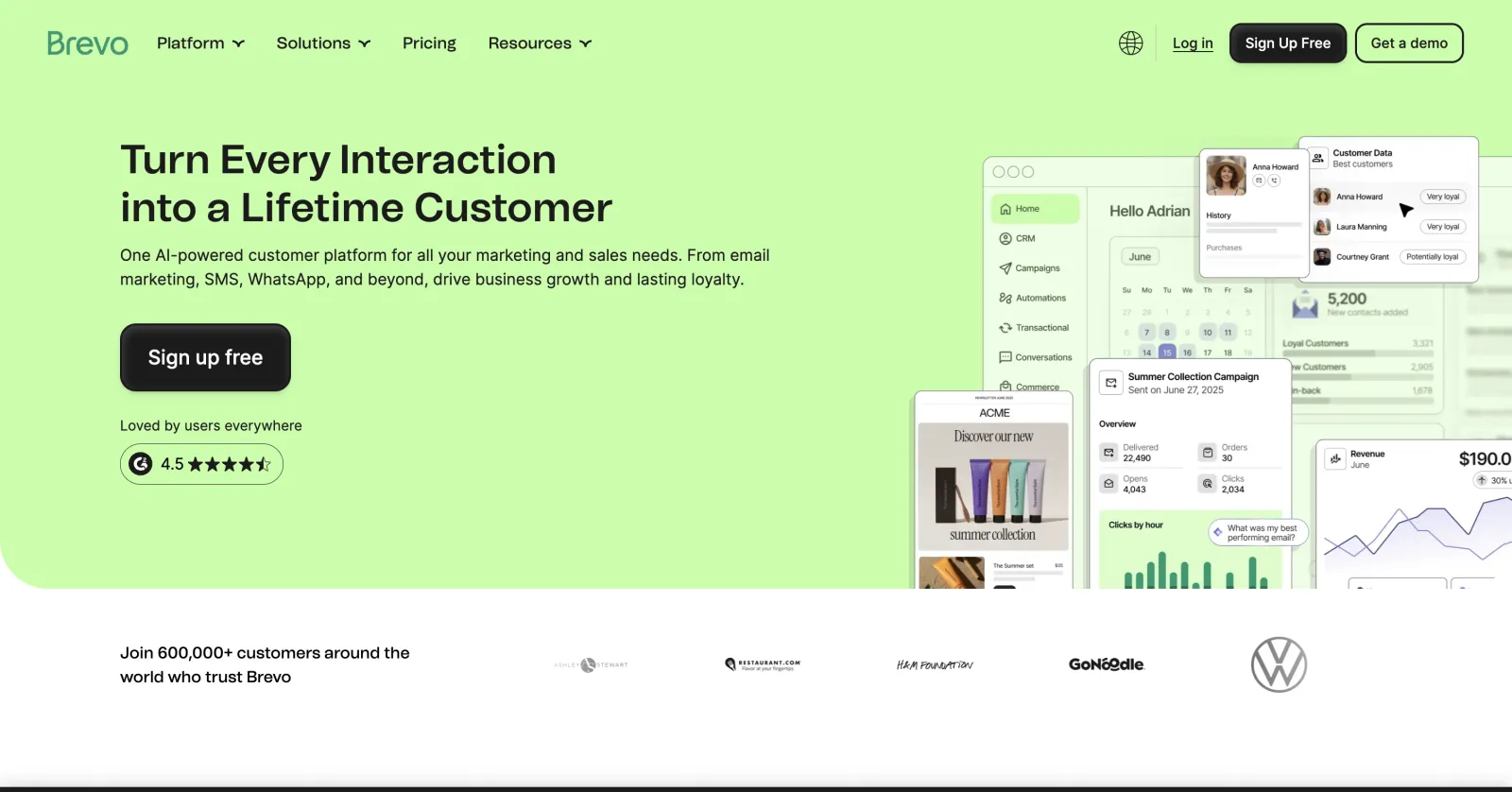
Brevo homepage
Best for: small teams that want marketing, lifecycle and transactional email in one affordable account.
Brevo (the platform formerly called Sendinblue) wins our overall pick because it sidesteps the pricing trap entirely. Contacts are unlimited on every plan; you pay for emails sent. The free tier gives you 300 emails/day forever, and the first paid tier (~$9/mo) covers 5,000 sends. You also get SMS, a usable CRM, and a genuinely good transactional email API in the same account — so a small team can run marketing, lifecycle and product email from one place.
It's not the prettiest. The template editor is functional rather than delightful, and the interface shows its all-in-one ambitions (a lot of menus). But for value-per-dollar, nothing here beats it.
Skip it if: you want best-in-class drag-and-drop design or deep ecommerce revenue analytics.
Pros
Unlimited contacts on every plan — you pay per send
SMS, CRM and transactional API included
Free tier is genuinely usable (300 emails/day, forever)
Cons
Template editor is functional, not delightful
Interface has a lot of menus for a small task
Ecommerce analytics shallower than Klaviyo's
Standout features
Send-based pricing: Grow your list freely — the bill tracks emails sent, not contacts stored.
All-in-one account: Marketing, automation, SMS, CRM and a solid transactional API under one login.
Automation on the free plan: Basic workflows without paying — rare in this category.
Brevo pricing
Free: 300 emails/day, unlimited contacts
Starter: ~$9/month — 5,000 emails, no daily limit
Business: ~$18/month — automation at scale, A/B testing, send-time AI
Enterprise: Custom — SSO, sub-accounts, priority support
Best for: ecommerce stores on Shopify or BigCommerce that want email tied directly to revenue.
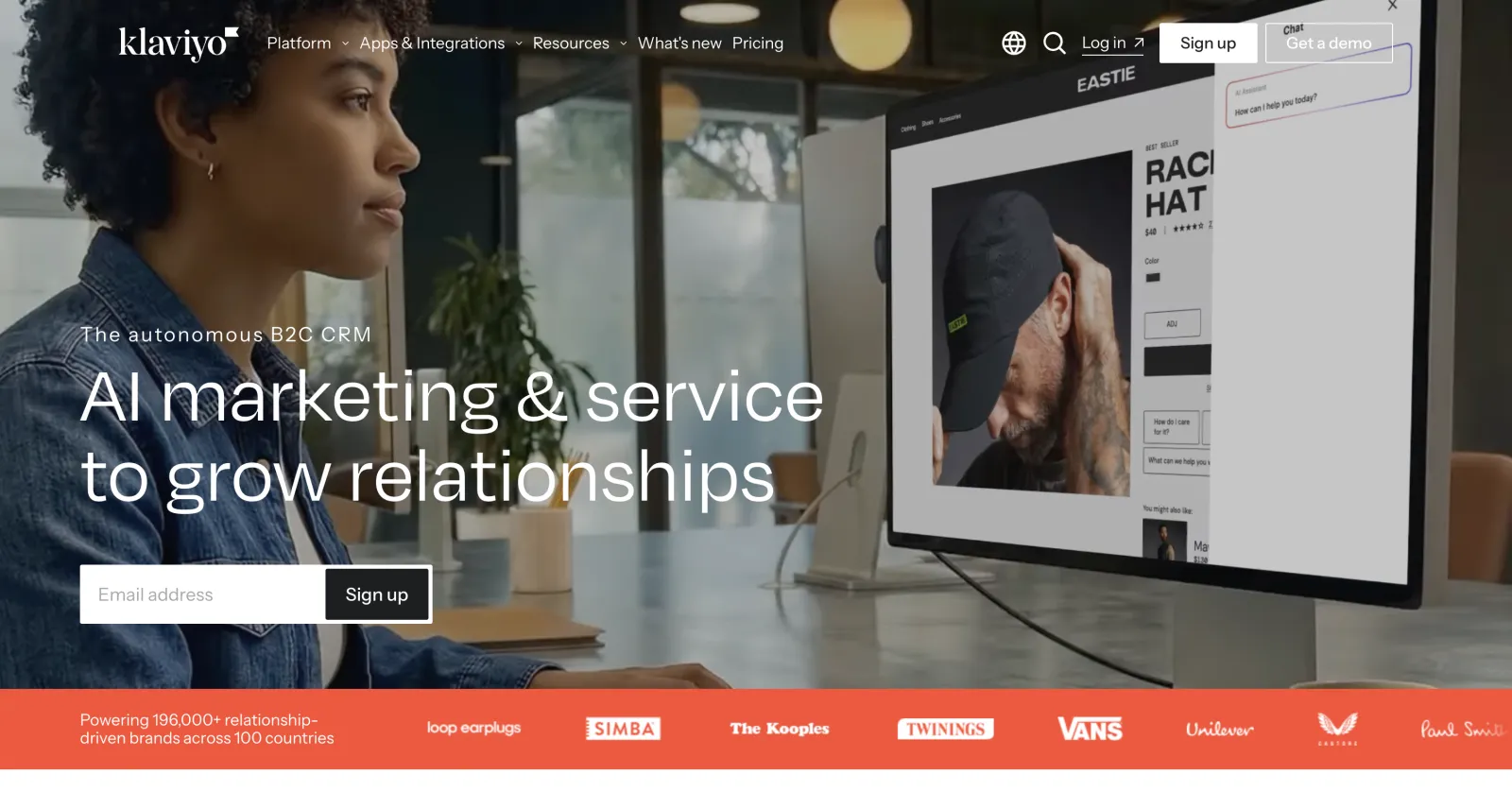
If you sell physical products, Klaviyo is in a different league. Its Shopify and BigCommerce integrations pull in every order, browse and cart event, and its reporting ties each email and SMS to actual revenue — so you can see that your abandoned-cart flow made $11,400 last month, not just "had a 32% open rate." The pre-built ecommerce flows (welcome, browse-abandon, post-purchase, win-back) are the best in the category.
The catch is the bill. Klaviyo is per-contact and climbs fast: 2,500 contacts is around $60/month, and it keeps going. For a store doing real revenue, it pays for itself many times over. For a pre-revenue shop, it's a luxury.
Best for: beginners who value familiarity, documentation and the largest integration ecosystem.
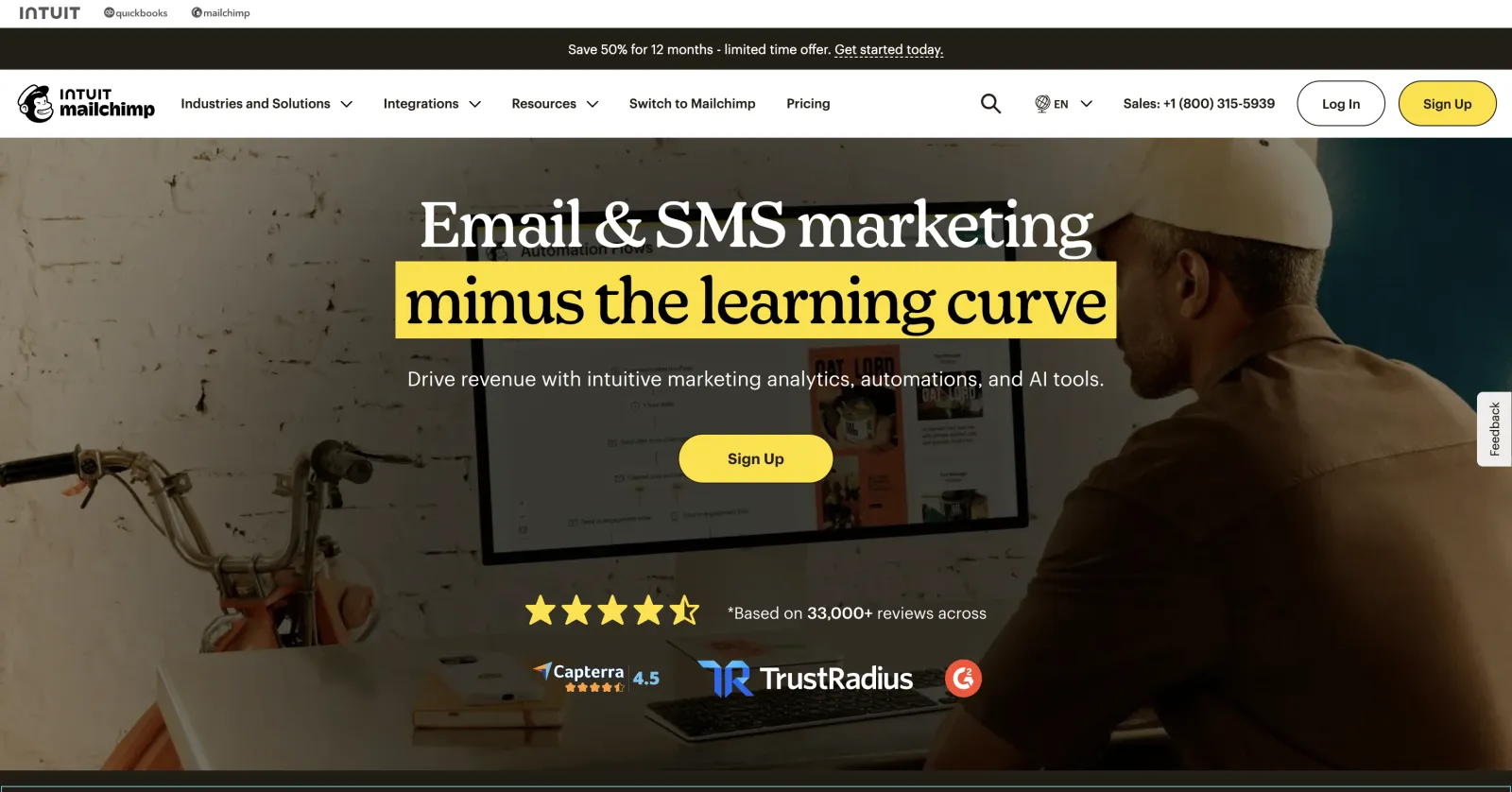
Mailchimp is the brand everyone knows, and that's still worth something: the largest integration ecosystem, mountains of documentation, and an onboarding flow a total beginner can finish. Its AI tools (content generation, send-time optimization) are competent.
But it has quietly become one of the pricier mainstream options, and its per-contact billing counts unsubscribed and non-subscribed contacts on some plans — a notorious gotcha. It's no longer the obvious answer; it's the answer for people who value familiarity over value.
Skip it if: budget matters and you're comfortable learning a slightly less famous tool — Brevo or MailerLite give you 90% of it for less.
Pros
Largest integration ecosystem and documentation base
Onboarding a total beginner can finish
Competent AI content and send-time tools
Cons
Pricier than most rivals at every tier
Bills for unsubscribed/non-subscribed contacts on some plans
Automation depth trails ActiveCampaign
Standout features
Integrations everywhere: If a tool exists, it probably connects to Mailchimp.
Creative assistant: AI-generated content and design suggestions built into the editor.
Send-time optimization: Delivers when each contact historically opens.
Mailchimp pricing
Free: Up to 500 contacts, 1,000 sends/month
Essentials: From $13/month (500 contacts)
Standard: From $20/month — automations, retargeting
Premium: From $350/month — advanced segmentation, phone support
Best for: creators and writers building an audience — newsletters, digital products and paid subscriptions.
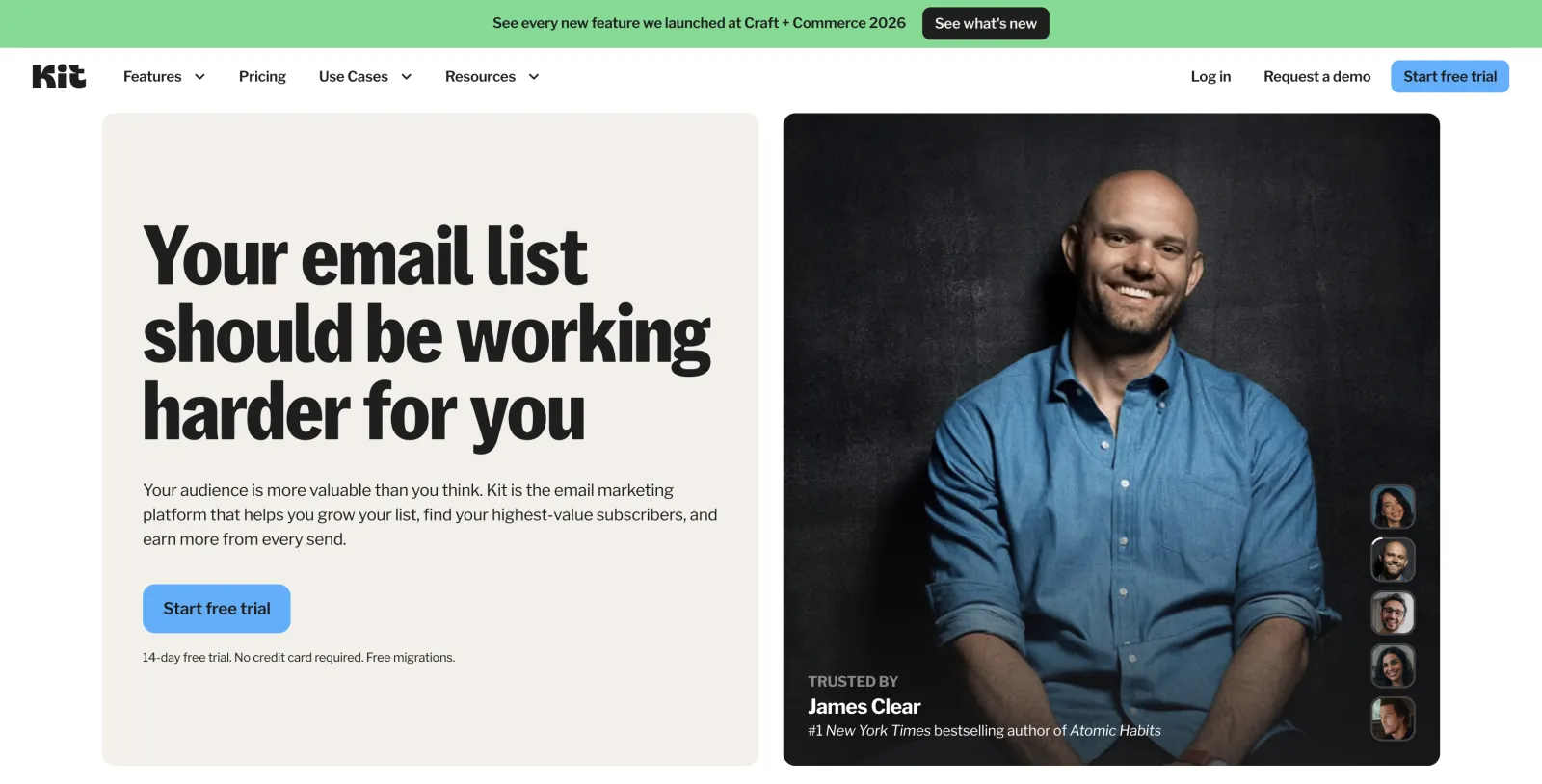
Kit (renamed from ConvertKit) is purpose-built for people who publish: newsletters, paid subscriptions, digital products and sponsor management. Its tag-and-segment model is far more intuitive for audience-building than the list-based model of older tools, and the free plan runs all the way to 10,000 subscribers — unusually generous.
Templates are deliberately plain (Kit's philosophy is that creator emails should look like personal text, and the data backs that up for engagement). If you want glossy HTML newsletters, look elsewhere.
Skip it if: you're an ecommerce brand or you want heavily designed campaigns.
Pros
Free up to 10,000 subscribers — unusually generous
Tag-and-segment model fits audience building
Paid subscriptions, products and tip jars built in
Cons
Templates deliberately plain
Weak fit for ecommerce
Reporting is creator-simple, not marketer-deep
Standout features
Creator network: Cross-recommendations drive real subscriber growth between newsletters.
Commerce built in: Sell digital products and subscriptions without a separate store.
Visual automations: Simple, reliable sequences for launches and onboarding.
Kit pricing
Newsletter (free): Up to 10,000 subscribers, 1 automation
Creator: From ~$25/month (1,000 subs) — unlimited automations, integrations
Creator Pro: From ~$50/month — advanced reporting, subscriber scoring
ActiveCampaign — for when the automation is the product
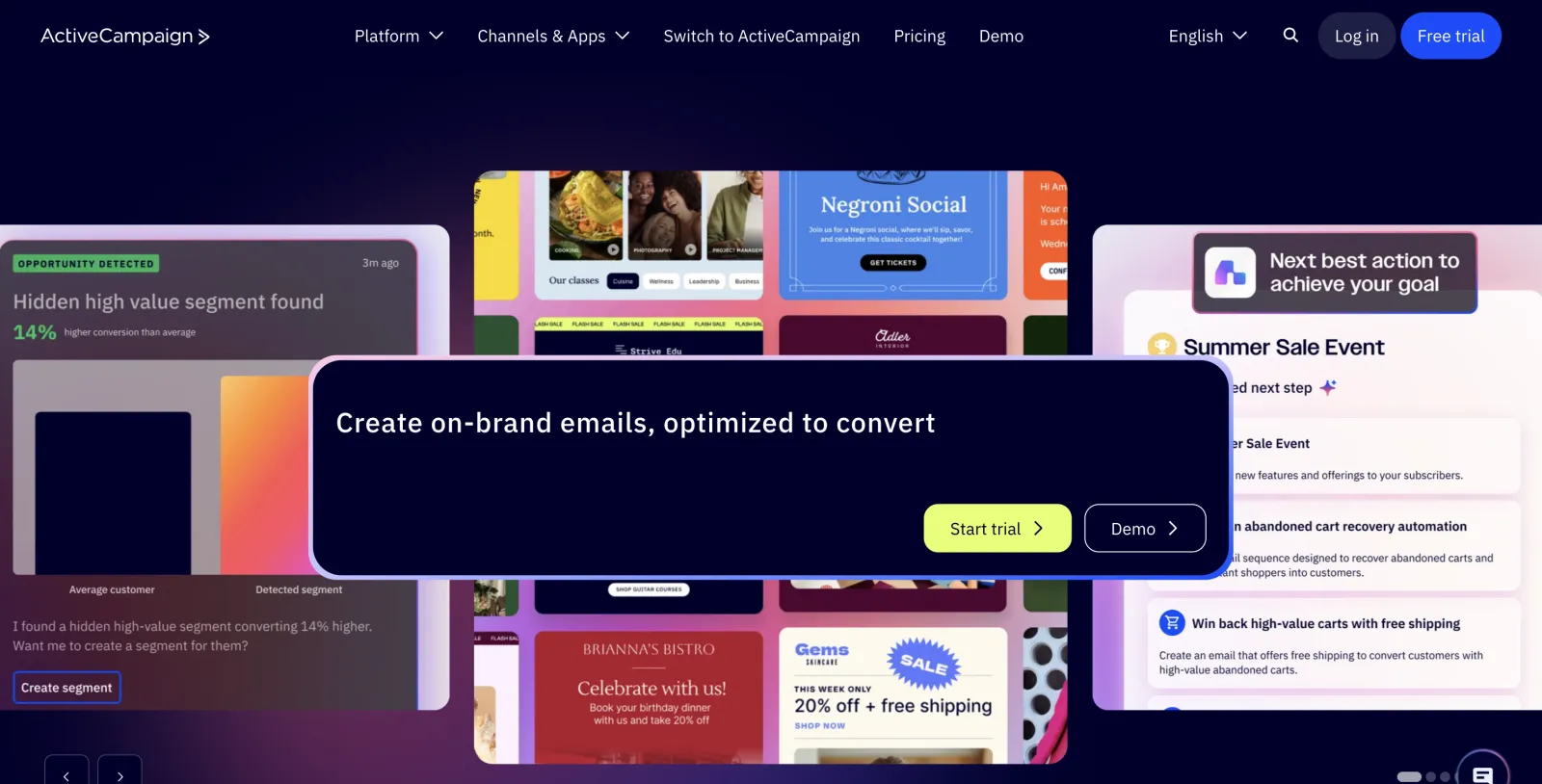
ActiveCampaign homepage
Best for: B2B and service businesses whose edge is deep lifecycle automation.
ActiveCampaign has the deepest automation builder of any tool at this price. Branching logic, goal tracking, lead scoring, conditional content and a real CRM mean you can model genuinely complex B2B and service-business journeys. If your competitive edge is lifecycle marketing, this is the tool.
That power has a cost: a steeper learning curve and no free plan. It's overkill for someone who just wants to send a monthly update.
Skip it if: you want simple, or you want free.
Pros
Deepest automation builder at this price
Real CRM with lead scoring included
Conditional content personalizes at scale
Cons
No free plan
Steeper learning curve than anything else here
Easy to over-engineer simple programs
Standout features
Branching automations with goals: Model complex journeys and measure conversion to a defined goal.
Lead scoring + CRM: Sales sees exactly how engaged every contact is.
Conditional content: One email, different blocks per segment.
ActiveCampaign pricing
Starter: From ~$15/month (1,000 contacts)
Plus: From ~$49/month — CRM, landing pages
Pro: From ~$79/month — predictive sending, attribution
Enterprise: From ~$145/month — custom objects, SSO
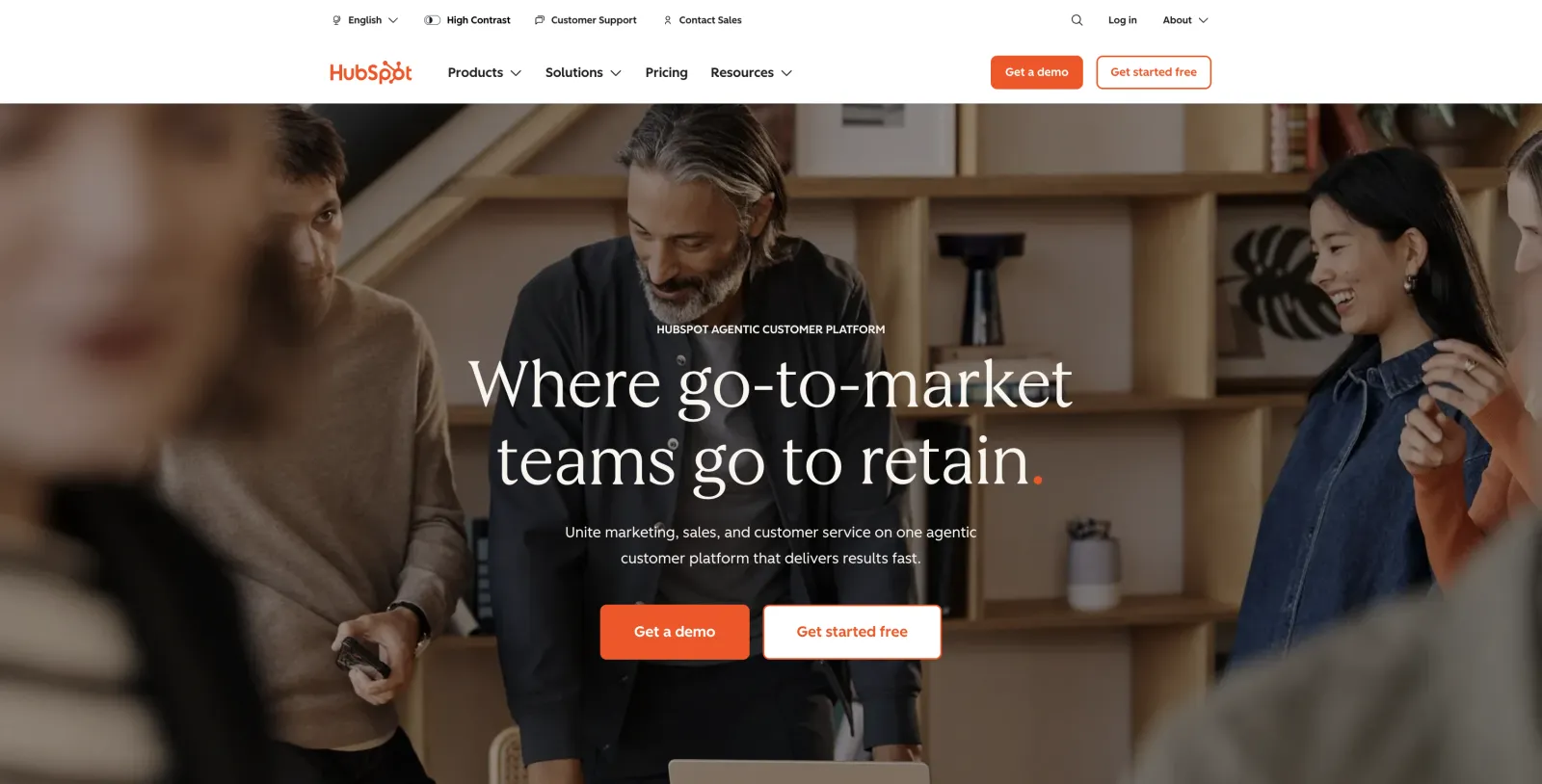
Best for: teams that want email, CRM, forms and reporting unified on one contact record.
HubSpot's Marketing Hub makes sense when you want email, CRM, forms, landing pages and reporting unified — and when sales and marketing share one contact record. The free CRM-plus-email tier is a real on-ramp. But costs scale sharply with "marketing contacts" and add-ons, and you're buying into an ecosystem, not just an email tool.
Skip it if: you only need email — you'll pay for a lot you won't use.
Pros
Email, CRM, forms and landing pages on one record
Free CRM tier is a real on-ramp
Reporting across the whole funnel
Cons
"Marketing contacts" pricing scales sharply
You're buying an ecosystem, not a tool
Advanced features gated to expensive hubs
Standout features
Unified contact record: Sales and marketing see the same person, same history.
Journey + funnel reporting: Attribution from first touch to closed revenue.
Ecosystem depth: Forms, chat, ads, SEO tools — all first-party.
HubSpot pricing
Free tools: CRM + basic email
Marketing Hub Starter: From $15/user/month
Professional: From ~$800/month — automation, campaigns
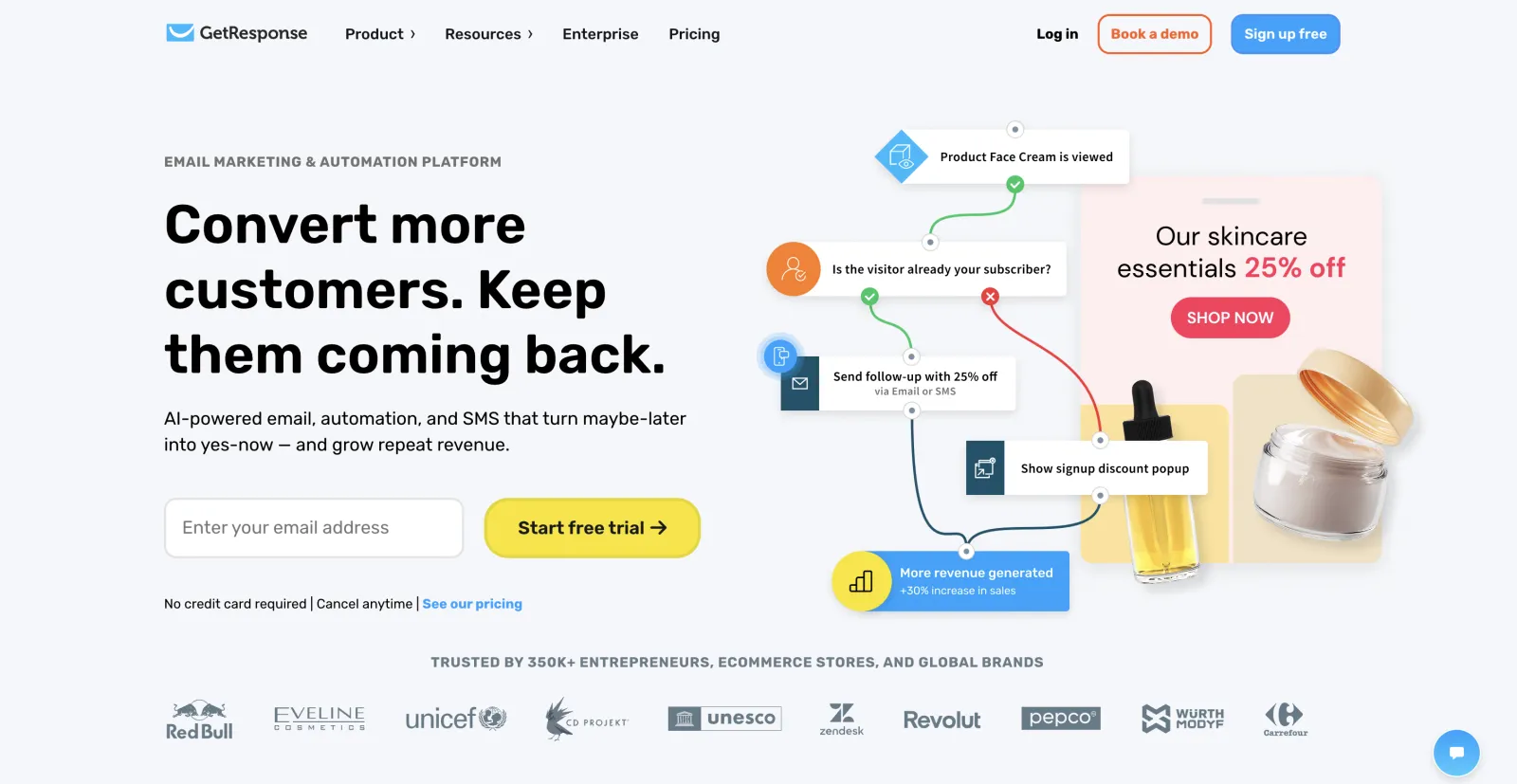
GetResponse has broadened into funnels, landing pages and built-in webinars, which is handy if you run live launches; the email side is solid but no longer standout. Constant Contact remains a friendly pick for local businesses, nonprofits and event-driven sending, with strong phone support — but its automation feels dated next to newer rivals. Both are fine; neither is the reason you'd switch.
Also in this tier:AWeber (a dependable, simple autoresponder with a long track record) and Campaign Monitor (template design aimed at agencies and brand teams).
These are the tools winning over founders and developers right now — newer, faster, and often better-priced.
MailerLite — the one we recommend most often
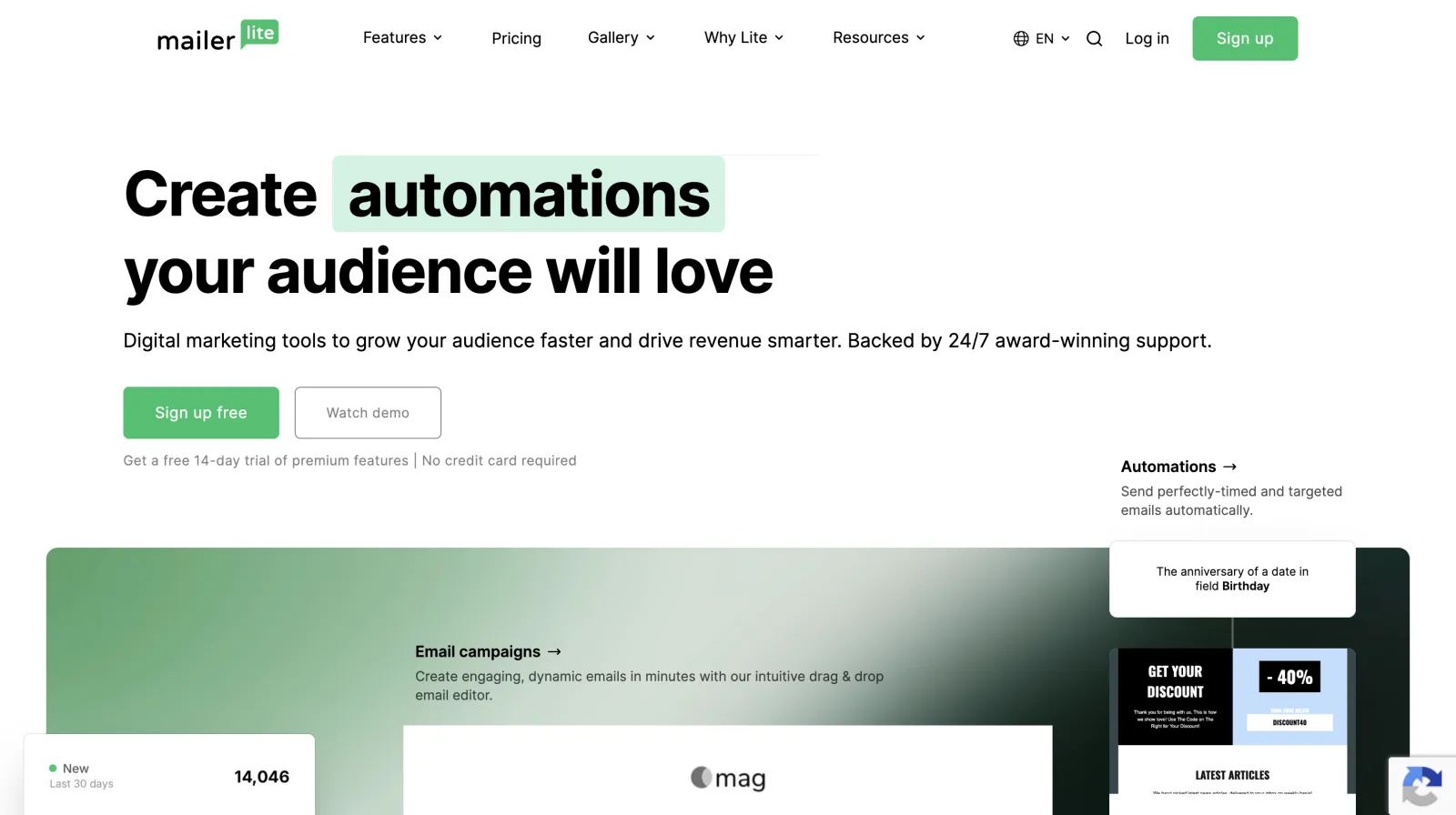
MailerLite homepage
Best for: small teams that want good design, real automation and a low bill.
MailerLite is what Mailchimp used to be: clean, affordable and genuinely pleasant to use, without the bloat. The free plan (1,000 contacts, 12,000 emails/month) includes automation, landing pages and a drag-and-drop builder that punches well above the price. Paid plans start around $10/month. For the overlap of "I want it to look good, automate properly, and not cost much," it's the sweet spot — and the reason it's our most-recommended pick for small teams.
Skip it if: you need advanced ecommerce revenue reporting or a built-in CRM.
Best for: publishers who want to grow and monetize a newsletter audience.
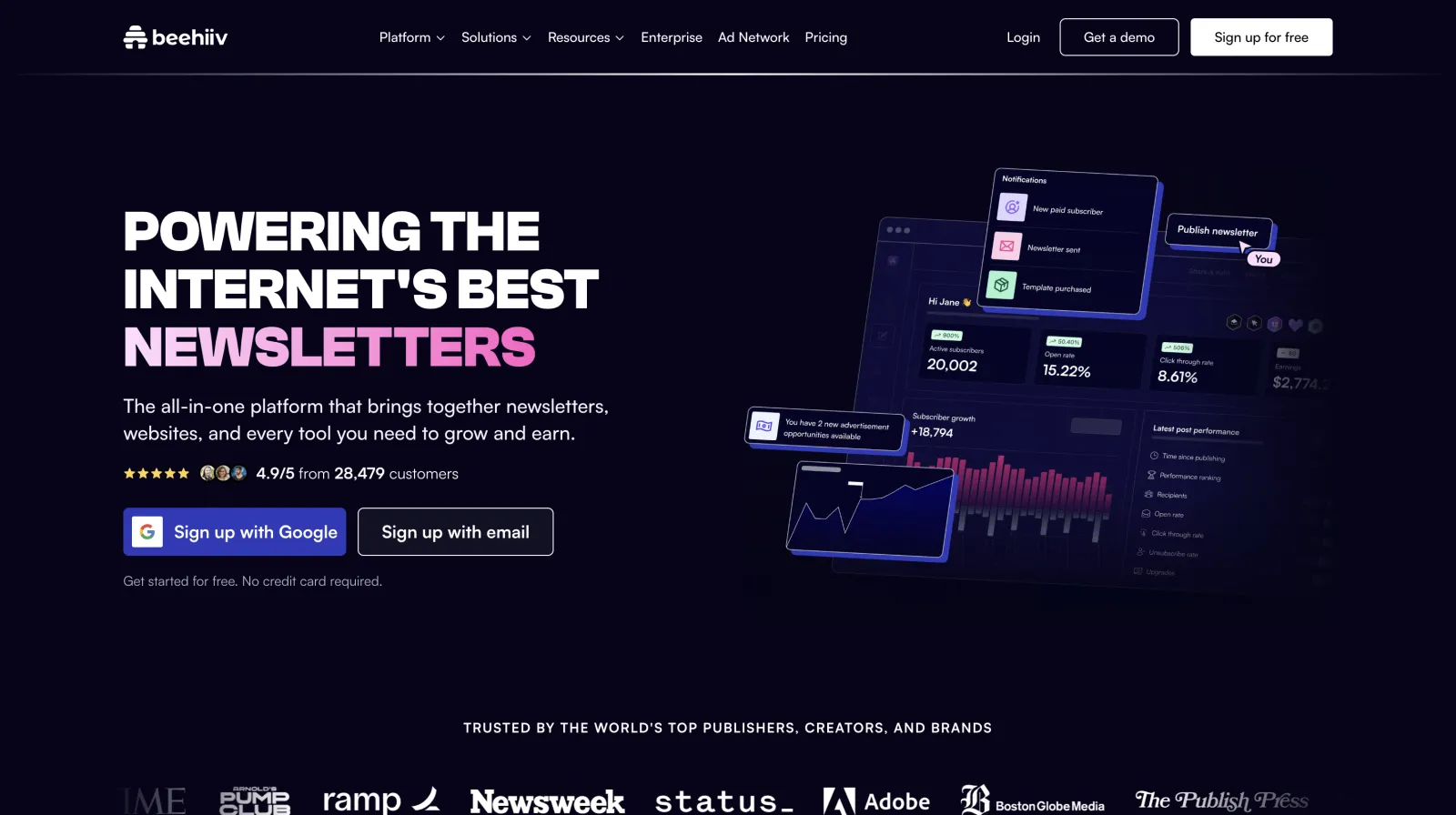
Built by people who scaled Morning Brew, Beehiiv treats a newsletter as a business, not a mailing list. Native referral programs, a recommendation network, an ad marketplace and paid subscriptions are all built in. If your goal is to grow and monetize an audience, the tooling is unmatched. It's less suited to transactional or ecommerce email.
Skip it if: you're sending product or store email rather than publishing.
Pros
Referral program and recommendation network built in
Ad marketplace and paid subscriptions native
Built by the team that scaled Morning Brew
Cons
Not designed for transactional/ecommerce email
Design flexibility narrower than general ESPs
Costs rise with subscriber count
Standout features
Recommendation network: Other newsletters send you subscribers on autopilot.
Monetization stack: Ads, boosts and paid tiers without third-party tools.
3D analytics: Acquisition source, engagement and revenue per subscriber.
Beehiiv pricing
Launch (free): Up to 2,500 subscribers
Scale: From ~$39/month — referral program, boosts, ad network
Max: From ~$99/month — remove branding, priority support
Best for: engineering teams that want transactional + marketing email with a first-class API.
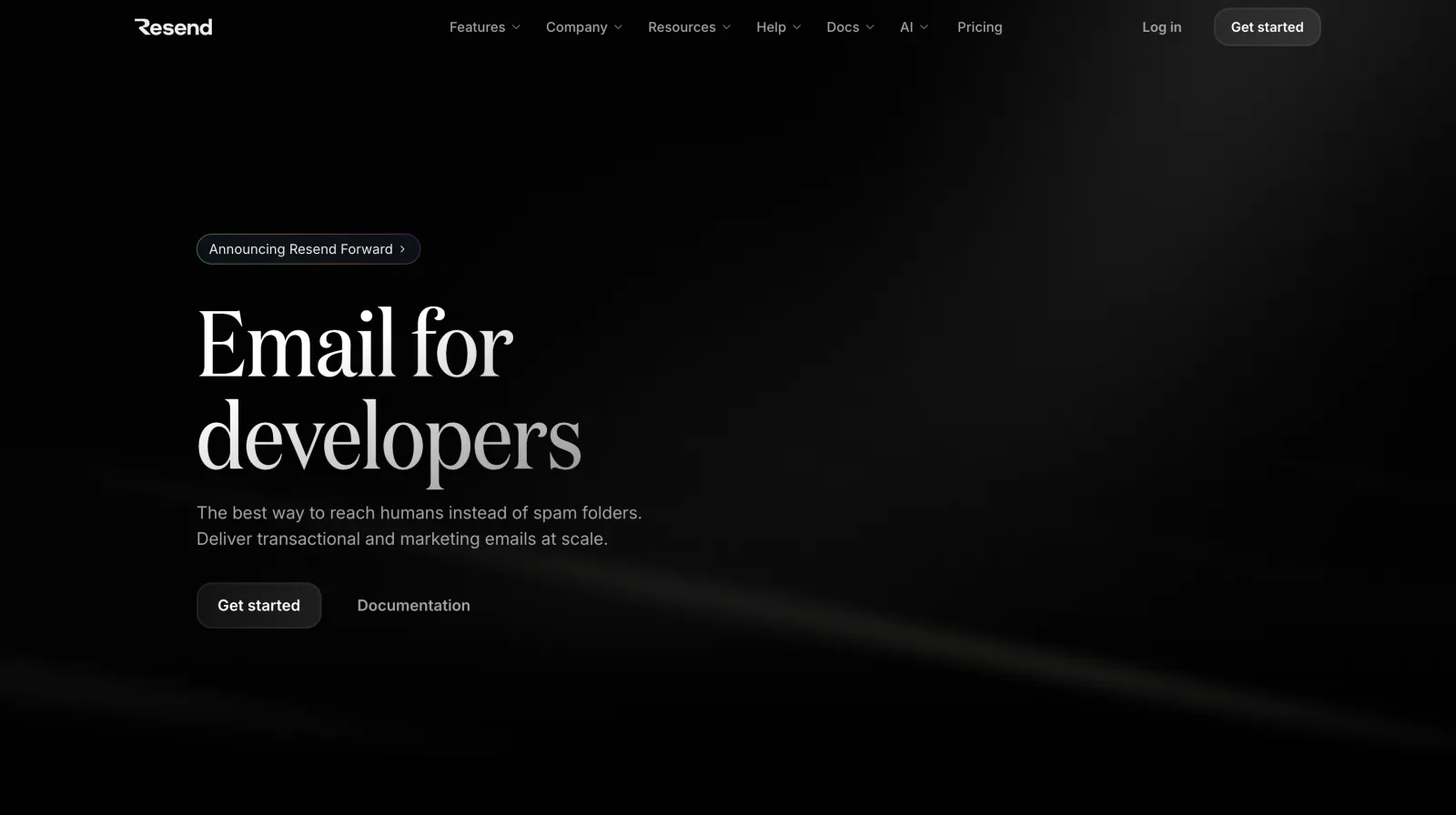
Resend is the breakout developer-first platform: a clean API, the open-source React Email library for building templates in code, and both transactional and marketing email in one place. Deliverability and DX are excellent, and the free tier (3,000 emails/month) is enough to ship a side project. The marketing/broadcast UI is younger than the incumbents, but for engineering teams it's the obvious modern choice.
Skip it if: non-technical marketers will own your email.
Pros
Best developer experience in email
React Email — templates as versioned code
Transactional + marketing in one platform
Cons
Marketing/broadcast UI is young
Fewer no-code integrations
Less hand-holding for non-developers
Standout features
React Email: Build templates in code, review them in pull requests.
Clean API + SDKs: Send in minutes from any stack, with great logs.
Shared infrastructure: One domain setup covers product and marketing mail.
Resend pricing
Free: 3,000 emails/month
Pro: $20/month — 50,000 emails
Scale: $90/month — 100,000 emails, dedicated IPs available
Best for: SaaS teams sending campaigns and product events from one tool.
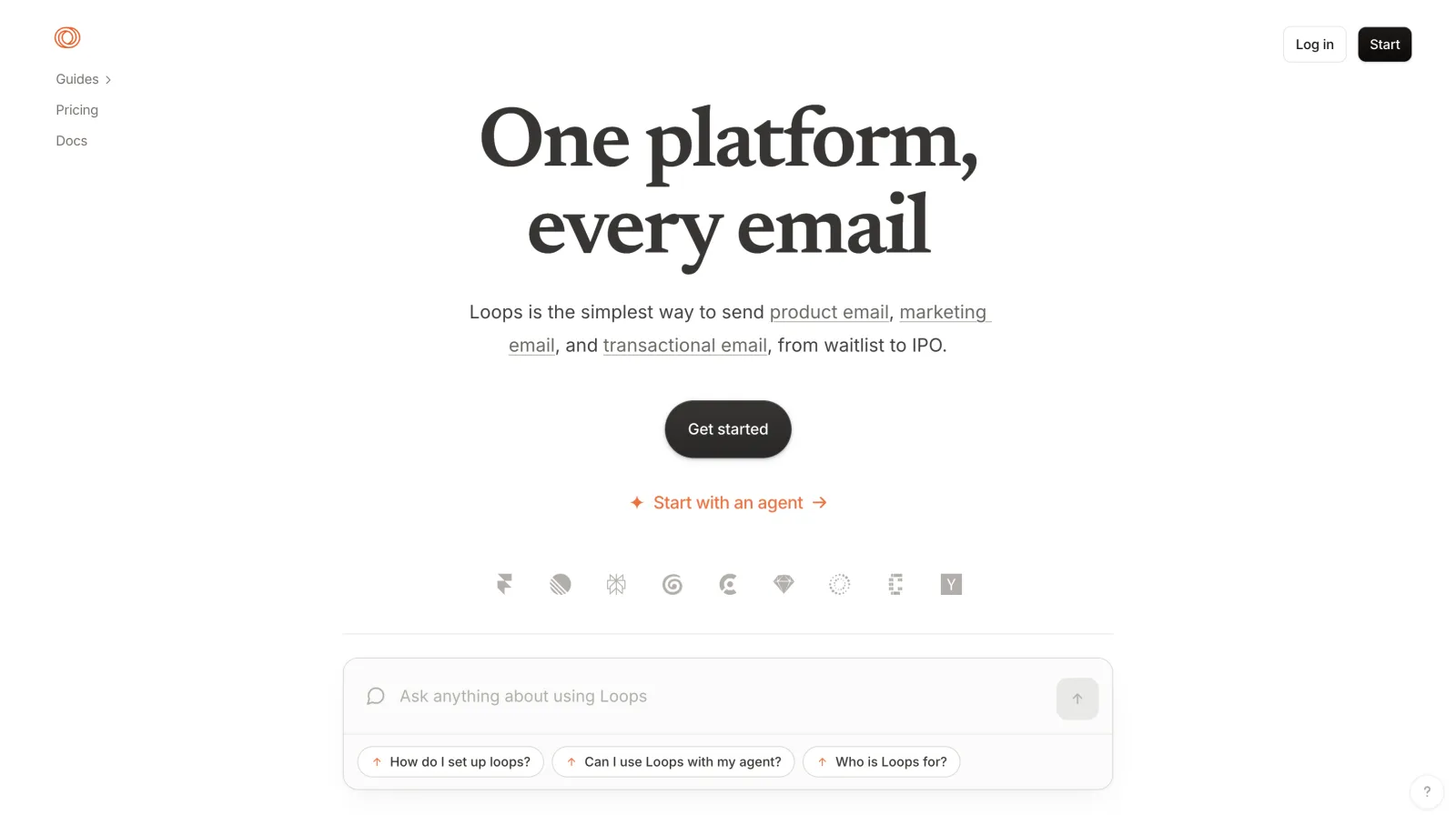
Loops is built specifically for software companies: marketing campaigns and transactional/product events in one modern, fast interface, with an events model that maps neatly to how SaaS apps fire signals (signed up, activated, upgraded). No free plan, and a younger ecosystem, but for a SaaS team it removes the usual frankenstein of three different email tools.
Skip it if: you're not running a product with user lifecycle events.
Pros
Campaigns + transactional in one modern tool
Events model maps to SaaS signals
Fast, focused interface
Cons
No free plan
Younger ecosystem and integration list
Not aimed at ecommerce or publishing
Standout features
Event-triggered loops: "Signed up but not activated" journeys in minutes.
One audience: Product and marketing email share contacts and suppression.
SaaS-native templates: Onboarding, trial-end and upgrade sequences out of the box.
Loops pricing
Starts at ~$49/month — includes 5,000 contacts, scales with list size
Best for: smaller ecommerce stores that want Klaviyo's playbook at a friendlier price.
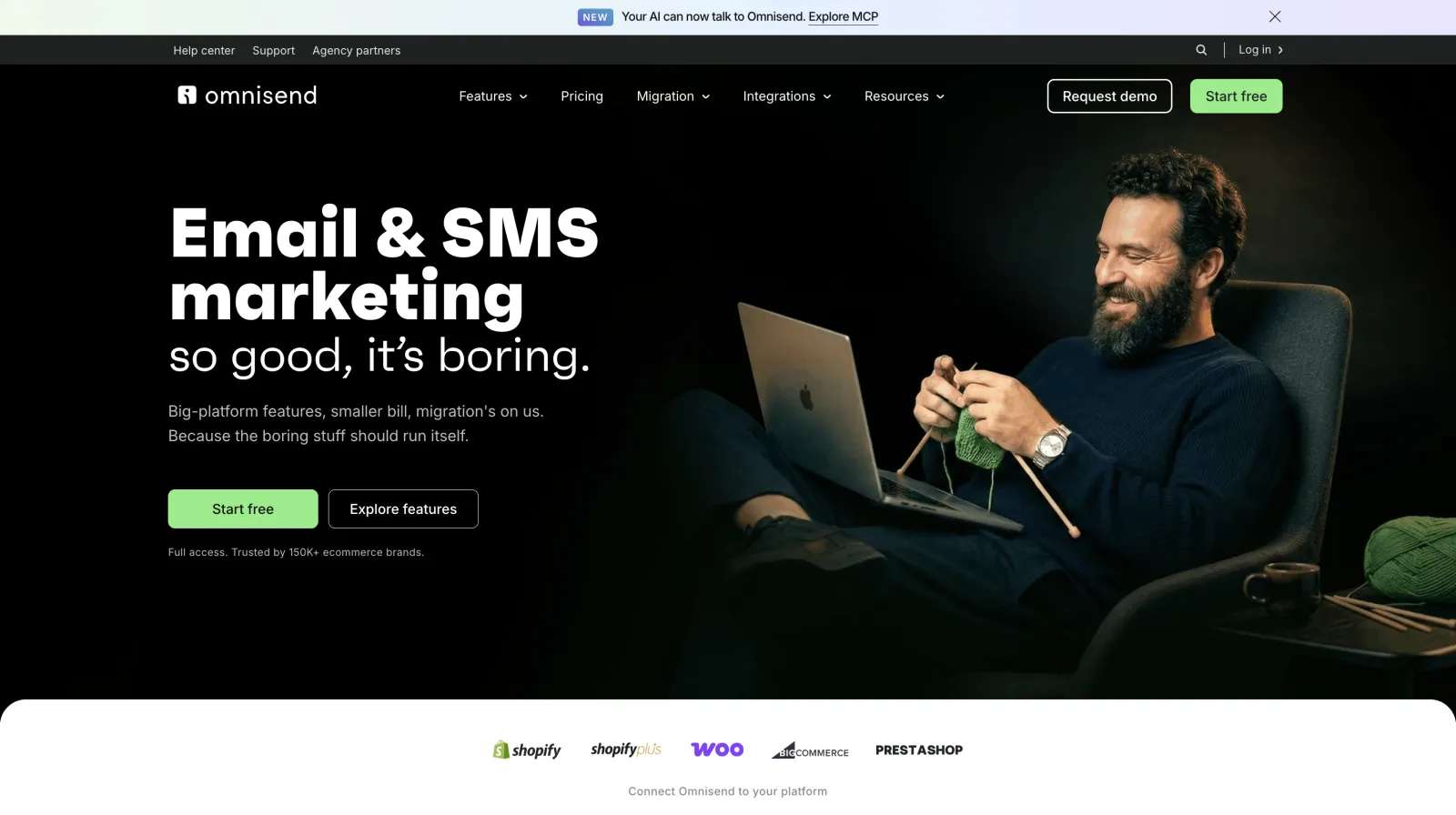
Omnisend gives smaller stores most of Klaviyo's ecommerce playbook — automations, email + SMS + push, product blocks — at friendlier pricing and with an easier setup. The analytics aren't as deep, but for a store that finds Klaviyo's bill hard to justify, it's the smart trade.
Flodesk and Substack — two specialists worth knowing
Flodesk homepage
Flodesk charges one flat rate (~$38/month) no matter your list size and has the prettiest templates in the category — ideal for designers, coaches and creators who value aesthetics and predictable billing, and whose lists are large enough that flat pricing wins. Substack is the zero-setup way to launch a paid newsletter: free to use, it takes 10% of subscription revenue, and you get built-in discovery and payments. The trade is ownership and customization — you're building on their platform, not yours.
Also rising:Customer.io (behavioural, event-driven messaging for product teams), Encharge (visual automation for SaaS) and Bento (founder-friendly email with strong analytics).
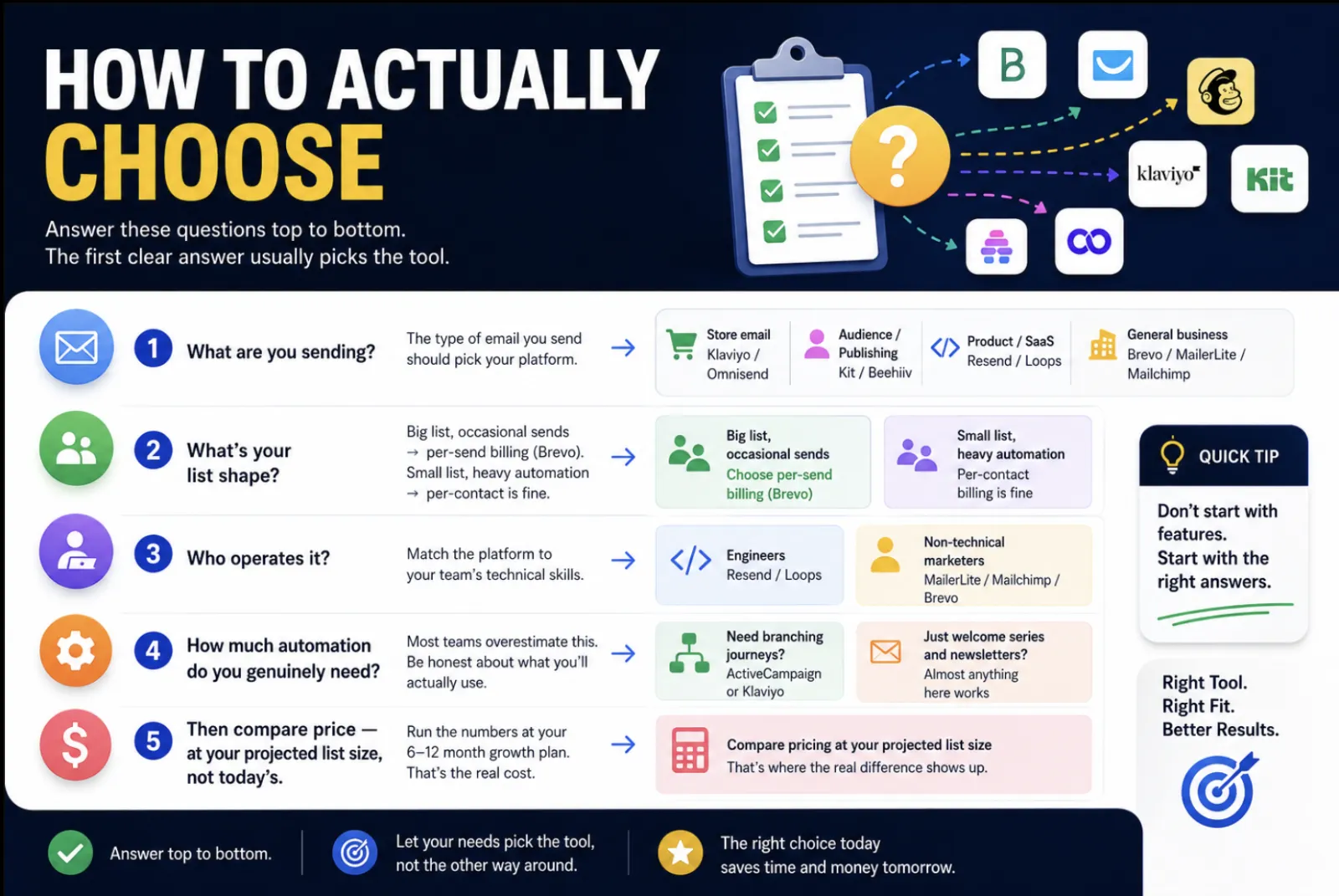
Work top to bottom — the first question that has a clear answer usually picks the tool:
What are you sending? Store email → Klaviyo/Omnisend. Audience/publishing → Kit/Beehiiv. Product/SaaS → Resend/Loops. General business → Brevo/MailerLite/Mailchimp.
What's your list shape? Big list, occasional sends → per-send billing (Brevo). Small list, heavy automation → per-contact is fine.
Who operates it? Engineers → Resend/Loops. Non-technical marketers → MailerLite/Mailchimp/Brevo.
How much automation do you genuinely need? Most teams overestimate this. If you need branching journeys, ActiveCampaign or Klaviyo; if you need a welcome series and a newsletter, almost anything here does it.
Then, and only then, compare price — at your projected list size, not today's.
Before you commit: many of these platforms run startup programs with credits or discounts. It's worth five minutes to check whether you qualify — it can wipe out your first year's cost. We track these in our startup credits directory.
Switching platforms without losing deliverability
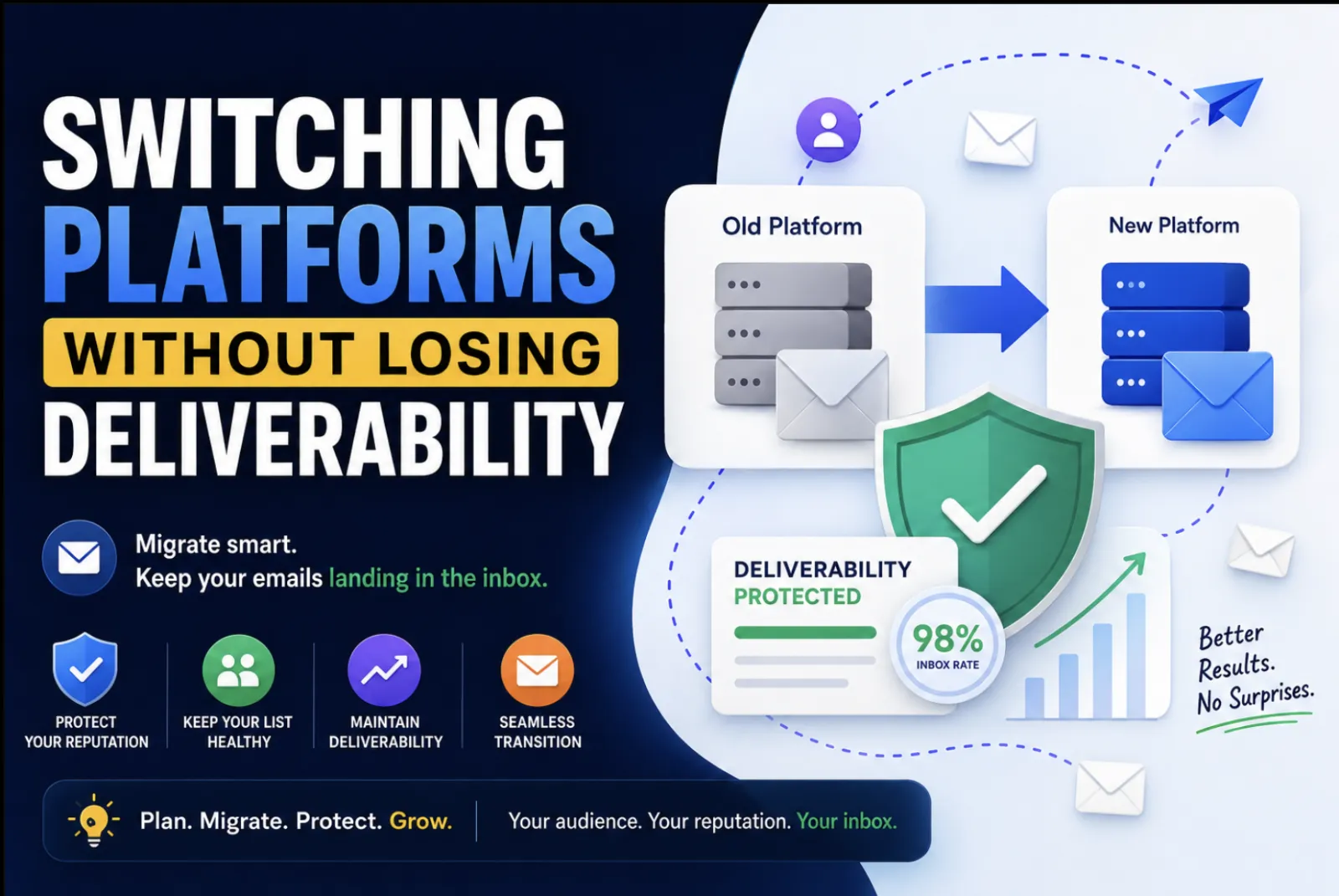
Migrate without tanking your inbox placement.
If you're migrating, don't just export and blast your list from the new tool — you'll torch your sender reputation. Export contacts with their engagement data, import only engaged subscribers first, authenticate your domain (SPF, DKIM, DMARC) before the first send, and warm up by sending to your most-engaged segment for the first week or two. Every platform above supports CSV import and domain authentication; the good ones (Brevo, MailerLite, Resend) walk you through it during onboarding.
Frequently asked questions
What is the best email marketing platform in 2026?
For most teams, Brevo offers the best overall value and MailerLite the best free plan. Klaviyo is the best for ecommerce, Kit and Beehiiv lead for creators and newsletters, and Resend and Loops are the strongest picks for developers. Mailchimp remains the safe, familiar default but is no longer the cheapest.
What is the best free email marketing service?
MailerLite has the most capable free plan — 1,000 contacts and 12,000 emails a month with automation and landing pages. Brevo's free tier stores unlimited contacts but caps you at 300 emails/day, and Kit is free up to 10,000 subscribers, which is exceptional for creators.
What's the cheapest email platform as my list grows?
It depends on how often you send. If you have a large list you email occasionally, per-send tools like Brevo are far cheaper than per-contact tools like Mailchimp or Klaviyo. If your list is large and you send constantly, Flodesk's flat rate often wins.
Is Mailchimp still worth it in 2026?
Only if you value its familiarity and integration ecosystem. On pure value, MailerLite and Brevo deliver a similar experience for less, and Klaviyo beats it decisively for ecommerce. Watch its per-contact billing, which can count contacts you aren't actively emailing.
Which platform has the best deliverability?
Deliverability is mostly determined by your own list hygiene and authentication, not the logo on the dashboard. That said, Brevo, MailerLite, Klaviyo and Resend all maintain strong sending infrastructure. Authenticate your domain and warm up gradually and any of them will perform.
Do I still need a separate transactional email service?
Increasingly, no. Resend and Loops handle transactional and marketing email together, and Brevo bundles a transactional API. Consolidating into one tool is now a realistic, often cheaper, option.
The verdict
If we had to hand one recommendation to a stranger: start with MailerLite if you're small and want it to look good, Brevo if value and flexibility matter most, Klaviyo if you sell products, Kit or Beehiiv if you're building an audience, and Resend or Loops if you write code. Whatever you choose, decide on the billing model first, authenticate your domain, and check for a startup discount before you pay — those three moves matter more than any single feature.